




Co-browsing
Une plateforme pour chaque interaction client – conçue pour les services financiers
Connectez-vous sur tous les canaux, collaborez avec des outils experts, orchestrez le workflow et maximisez la productivité.
.png)
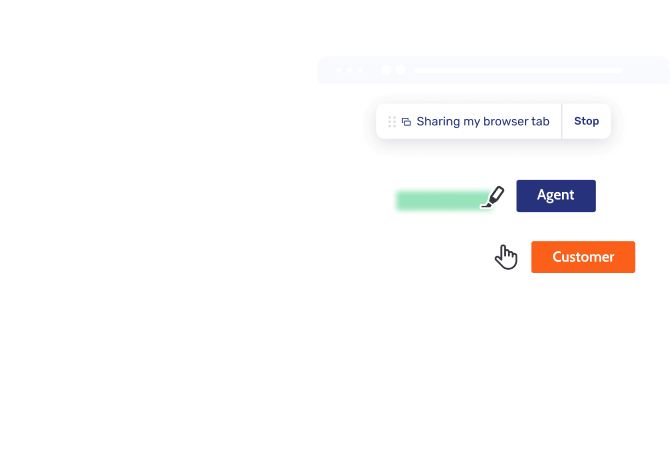
Cross-channel Co-Browsing
Naturellement proches, partout.
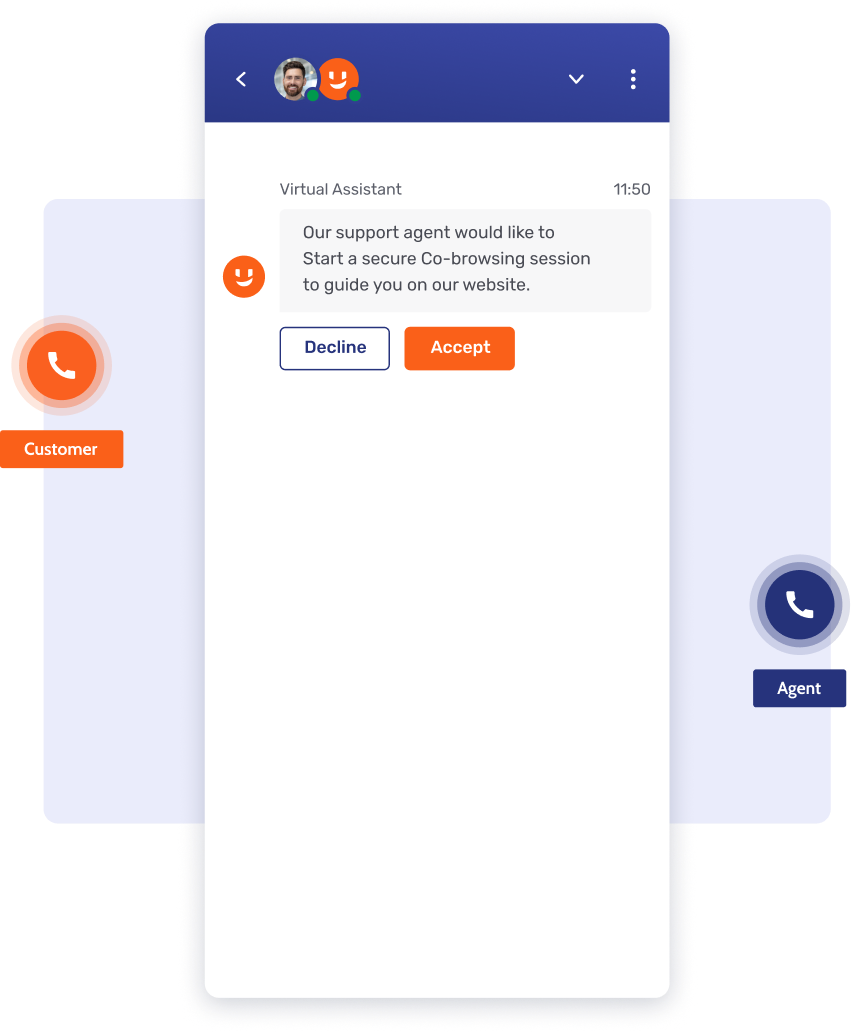
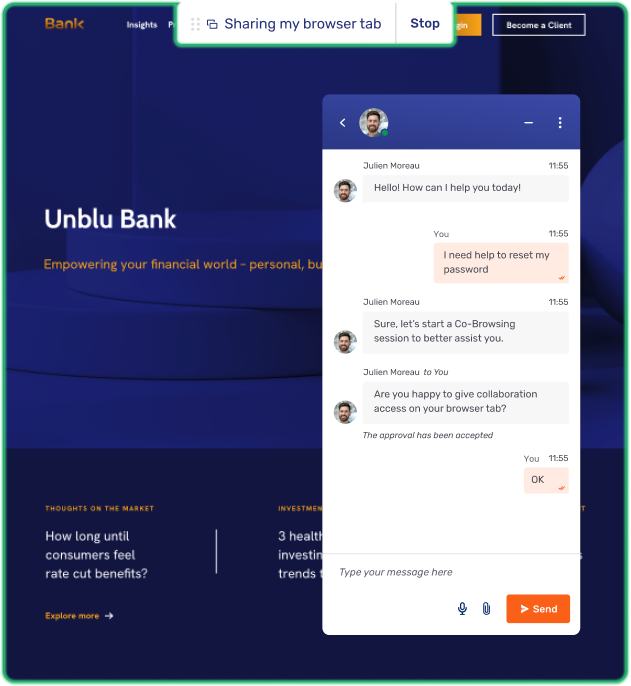
Maintenir un dialogue de confiance
Établissez des relations durables grâce à une messagerie chiffrée et conforme qui permet aux clients de joindre leur conseiller-ère à tout moment pour obtenir des conseils financiers d'experts.
Personnalisez chaque interaction digitale
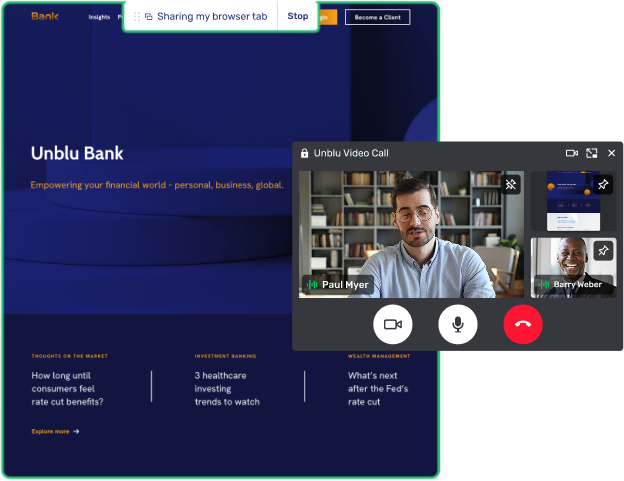
Réduisez la distance physique avec des appels face-à-face de haute qualité, transformant les transactions numériques standard en connexions humaines significatives, guidées par des conseillers.
Assistance d'experts en temps réel
Fournissez un soutien immédiat et personnalisé lors des moments décisionnels critiques, en veillant à ce que vos clients ne se sentent jamais seuls dans leur parcours bancaire digital.
Effortless for both customers and agents
Travailler ensemble, en temps réel

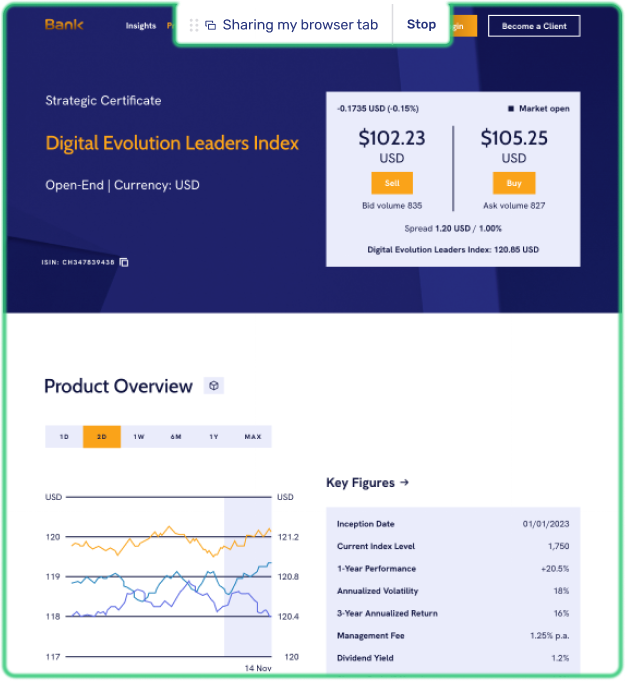
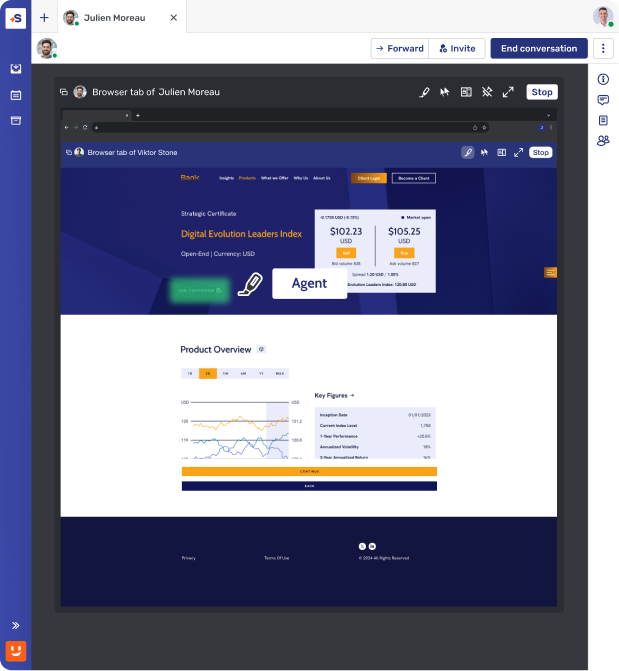
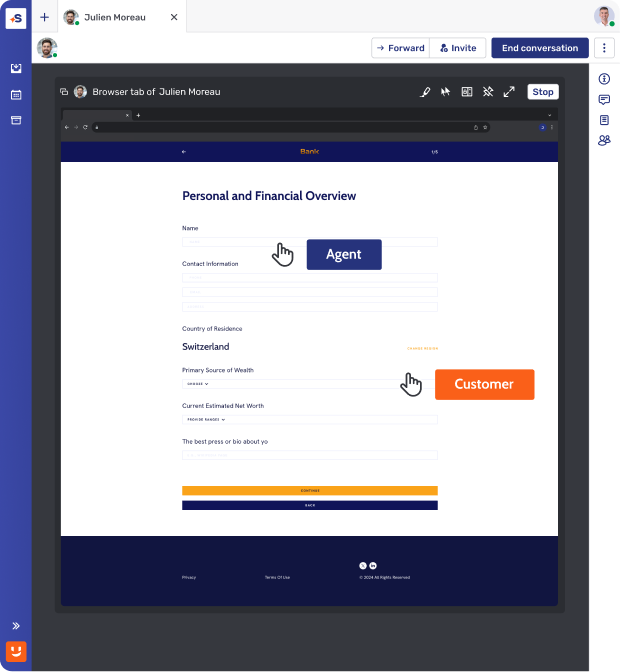
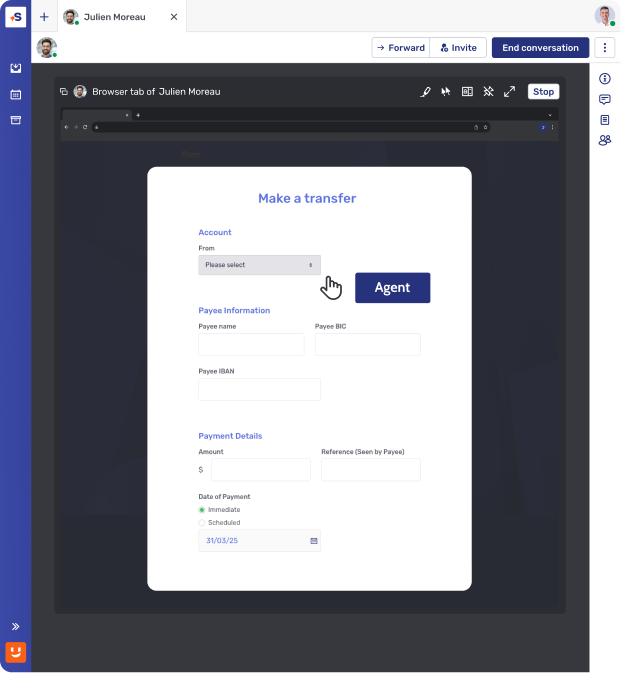
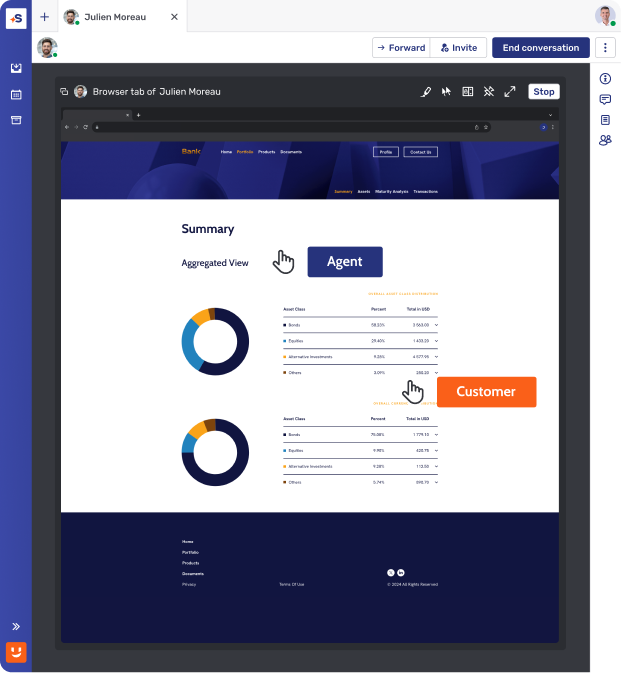
Guidage visuel fluide et sécurisé
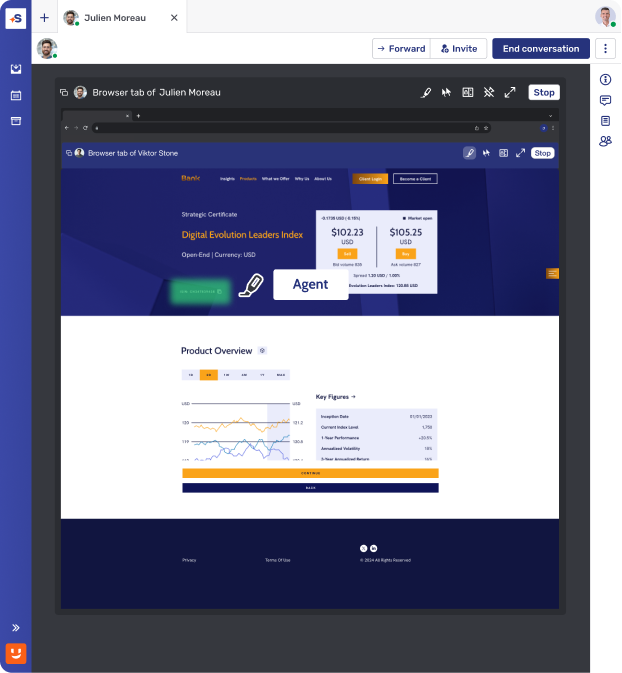
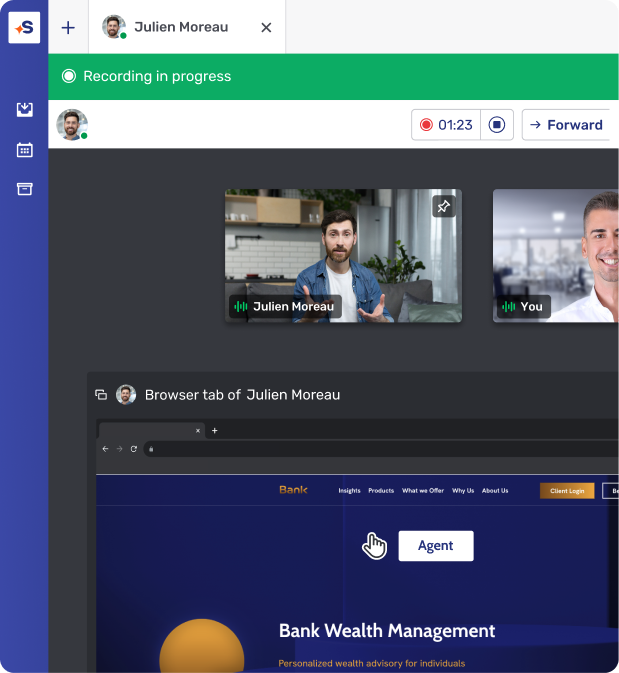
Rejoignez vos clients directement au sein de votre plateforme digitale pour fournir un soutien visuel instantané qui transforme la confusion en clarté.
Accompagnez-les, où qu’ils soient
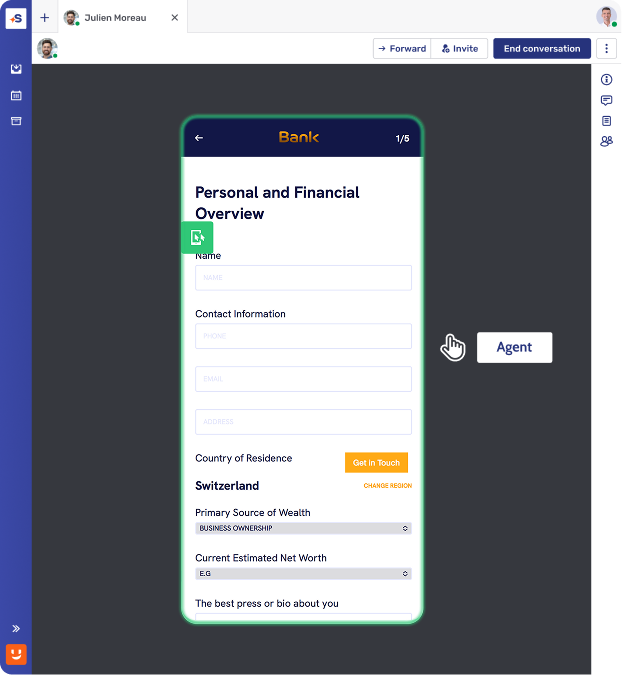
Un accompagnement expert intégré à votre application mobile, pour guider vos clients dans chaque étape de leur parcours complexe sans jamais quitter la plateforme.
Décryptez ensemble dans les documents complexes
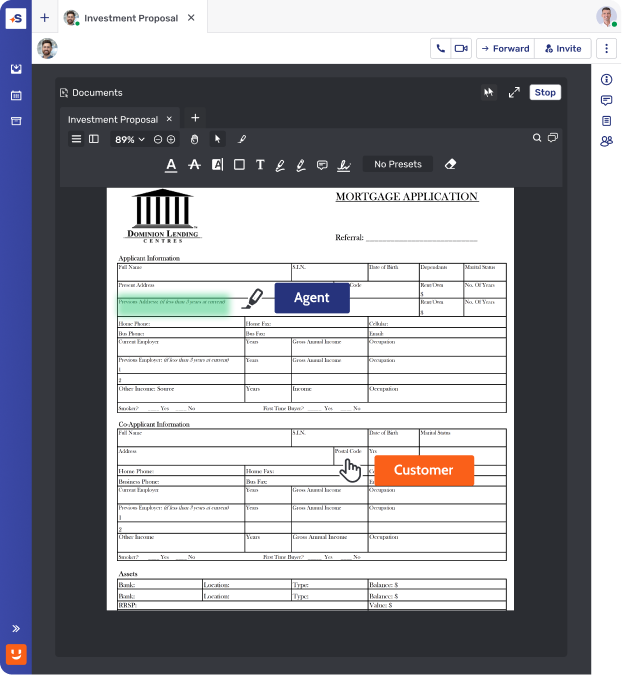
Examinez, modifiez et expliquez des documents financiers complexes en temps réel, renforçant la confiance des clients et accélérant le chemin vers la signature.
Efficacité
Maximisez la valeur de chaque interaction
Restez présent dans chaque conversation
Concentrez-vous entièrement sur le client pendant que l'IA gère la prise de notes, produisant des résumés précis qui garantissent qu'aucun détail n'est jamais oublié.
Communiquez sans effort
Créez une expérience inclusive avec des sous-titres et des traductions en temps réel, garantissant que chaque client se sente écouté et compris, quelle que soit sa langue maternelle.
Intelligence instantanée pour les équipes
Équipez les agents et les conseillers de réponses en temps réel pour accélérer les résolutions et fournir des conseils d'experts sans interrompre le flux de la conversation.
4X Digital Sales Conversion rate after 9 months
“We need to be where the customer wants to interact and provide a variety of options based on preference. This is what Unblu helps us to do.”


Security and compliance at the core
Maîtriser le flux des conversations
Automatiser les parcours clients complexes
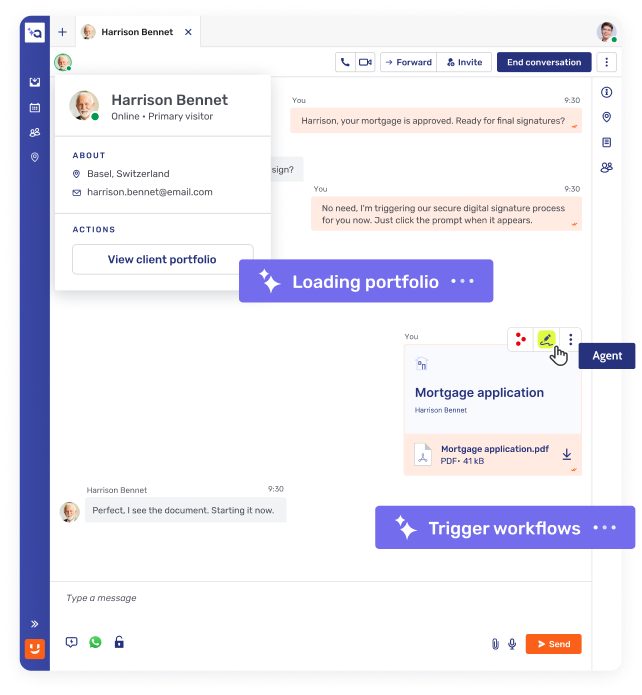
Déclenchez des processus métier personnalisés qui guident la clientèle à travers les étapes nécessaires, garantissant une transition fluide des tâches automatisées vers l'expertise humaine.
Moteur de données contextuel
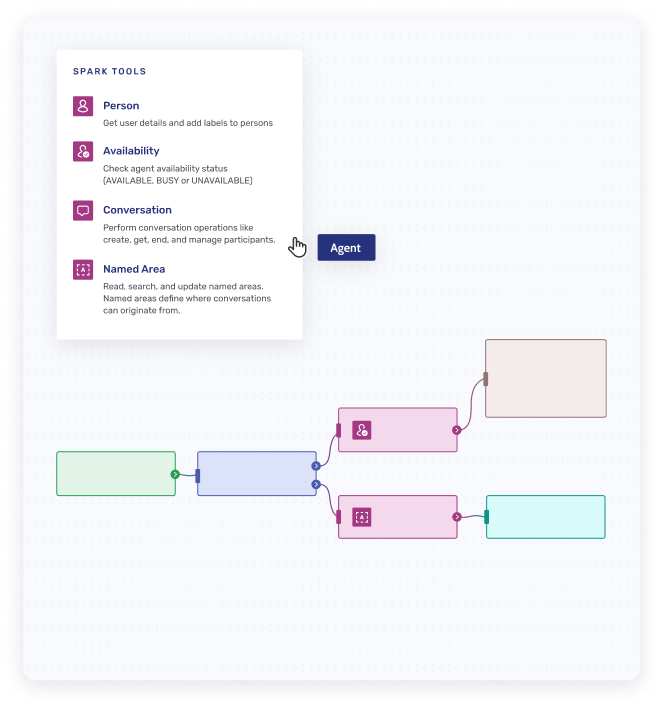
Exploitez les données de session en temps réel, l'historique des conversations, les métadonnées des visiteurs et la disponibilité des équipes pour piloter les transitions de flux avec une compréhension contextuelle complète.
L’expert qu’il vous faut, sans attendre
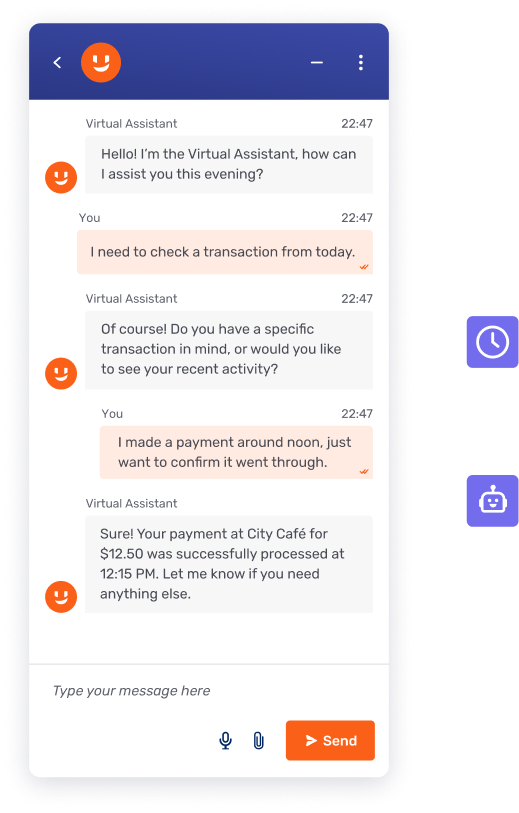
Reconnaissez automatiquement l'intention de la clientèle pour assurer une orientation immédiate vers la personne la mieux qualifiéepour chaque demande unique.
.svg)
How it works
Fast, secure, and easy to implement.
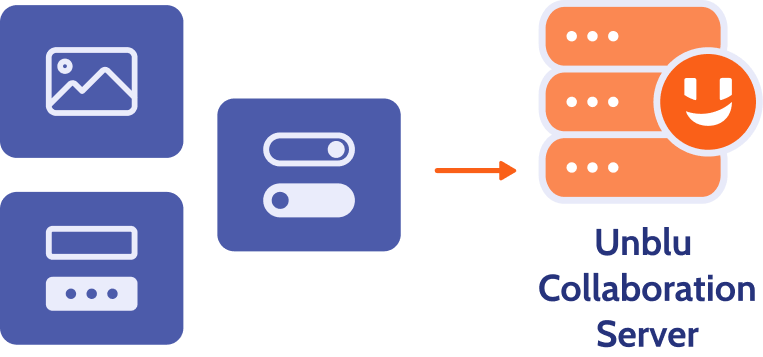
Real-time mobile interface rendering
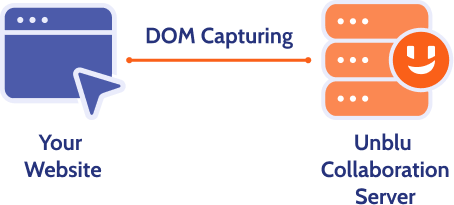
Co-Apping works by capturing and transmitting structured mobile app elements (not the entire screen), ensuring security and privacy.
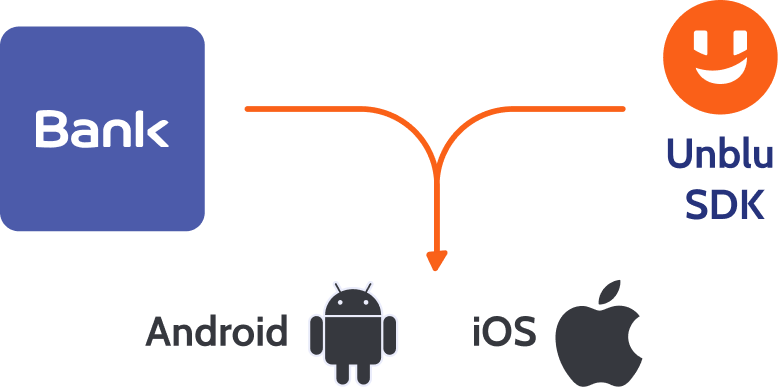
Lightweight SDK integration
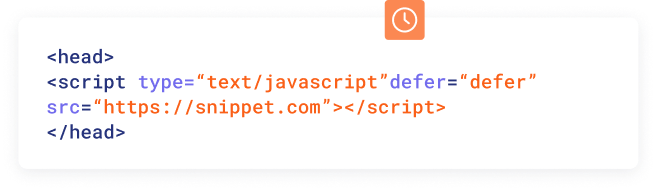
Implement Co-Apping by embedding the Unblu SDK within your mobile application – no complex development required.
Topic
Co-Browsing
Browser-Based sreensharing
Application-Based Screensharing (Zoom, Teams)
Installation requirements
No installation
Browser-native functionality
Needs system permission change and browser restart
Needs pre-installed app or plugin
Requires permissions + application restart
Scope of visibility
Only specific web session or element visible to advisor
Sharing scope pre-set by app (e.g., browser tabs only)
User can only approve or deny
Full application or screen shared
Navigation handling
Seamless across navigation
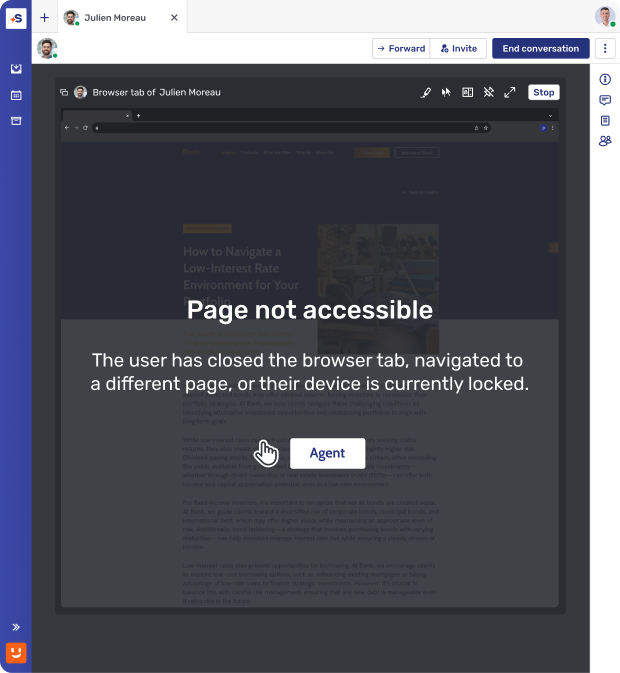
Advisor remains in session
Navigating to a new page or reloading the current page ends the sharing session
Users must approve screensharing again each time this occurs
User must manually manage what is shared
No automatic privacy safeguards
Browser/device compatibility
Works across all modern browsers and mobile devices.
Works for full screen or window sharing
Sharing is restricted to a single browser tab
Not supported on Safari and Firefox
Broad compatibility on desktops
Limited or clunky on mobile
Remote control permissions
Banks define which on-screen functions (e.g., button clicks) are available to advisors during a session
Does not support remote control
Advisors cannot assist the customer with the navigation
Remote control grants full access
No native function blocking (e.g., field masking, disabling button clicks) supported
Field masking
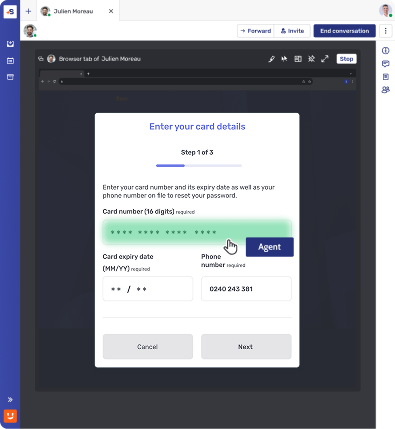
Specific fields (e.g., passcode, account number) can be masked from advisors.
No masking available – the entire application or desktop is shared.
Session recording
Selective interaction recording
Compliant with financial regulations
Full screen recording increases risk of Client Identifying Data (CID) exposure
Compliance impact
Supports GDPR and PCI-DSS compliance with controlled access
High risk of exposing Client Identifying Data (CID) and sensitive information
Unblu Co-Browsing
Installation requirements
No installation
Browser-native functionality
Scope of visibility
Only specific web session or element visible to advisor
Navigation handling
Seamless across navigation
Advisor remains in session
Browser/device compatibility
Works across all modern browsers and mobile devices.
Remote control permissions
Banks define which on-screen functions (e.g., button clicks) are available to advisors during a session
Field masking
Specific fields (e.g., passcode, account number) can be masked from advisors
Session recording
Selective interaction recording
Compliant with financial regulations
Compliance impact
Supports GDPR and PCI-DSS compliance with controlled access
Browser-Based screensharing
Installation requirements
Needs system permission change and browser restart
Scope of visibility
Sharing scope pre-set by app (e.g., browser tabs only)
User can only approve or deny
Navigation handling
Navigating to a new page or reloading the current page ends the sharing session
Users must approve screensharing again each time this occurs
Browser/device compatibility
Works for full screen or window sharing
Sharing is restricted to a single browser tab
Not supported on Safari and Firefox
Remote control permissions
Does not support remote control
Advisors cannot assist the customer with the navigation
Field masking
No masking available – the entire application or desktop is shared
Session recording
Full screen recording increases risk of Client Identifying Data (CID) exposure
Compliance impact
High risk of exposing Client Identifying Data (CID) and sensitive information
Application-Based Screensharing (Zoom, Teams)
Installation requirements
Needs pre-installed app or plugin
Requires permissions + application restart
Scope of visibility
Full application or screen shared
Navigation handling
User must manually manage what is shared
No automatic privacy safeguards
Browser/device compatibility
Broad compatibility on desktops
Limited or clunky on mobile
Remote control permissions
Remote control grants full access
No native function blocking (e.g., field masking, disabling button clicks) supported
Field masking
No masking available – the entire application or desktop is shared
Session recording
Full screen recording increases risk of Client Identifying Data (CID) exposure
Compliance impact
High risk of exposing Client Identifying Data (CID) and sensitive information
Frequently asked questions
How does secure messaging work?

Unblu Secure Messenger uses strong end-to-end encryption. Unlike consumer apps, enterprises can manage encryption keys and control data hosting, ensuring compliance and data sovereignty.
Which messaging app is most secure?
The “most secure” software depends on your needs. Consumer apps like Signal and WhatsApp provide strong encryption, but they aren’t built for enterprise compliance. Unblu Secure Messenger combines end-to-end encryption with enterprise-grade controls, compliance with regulations (GDPR, MiFID II, FINRA, HIPAA), and full auditability, making it more secure in a regulated business environment.
