




Co-browsing
Eliminate troubleshooting blindness
Resolve complex issues faster and improve productivity with
Co-Browsing, allowing teams to see what customers see and provide immediate guidance.
.png)
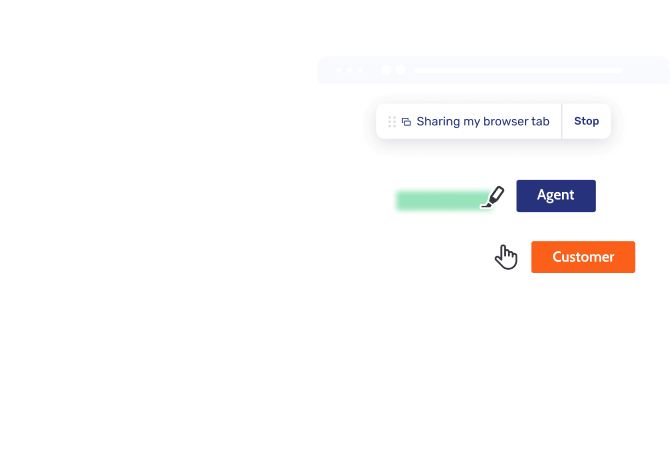
Cross-channel Co-Browsing
Eliminate friction by adding Co-Browsing to phone, chat, or Video & Voice calls, resolving queries faster without losing session context
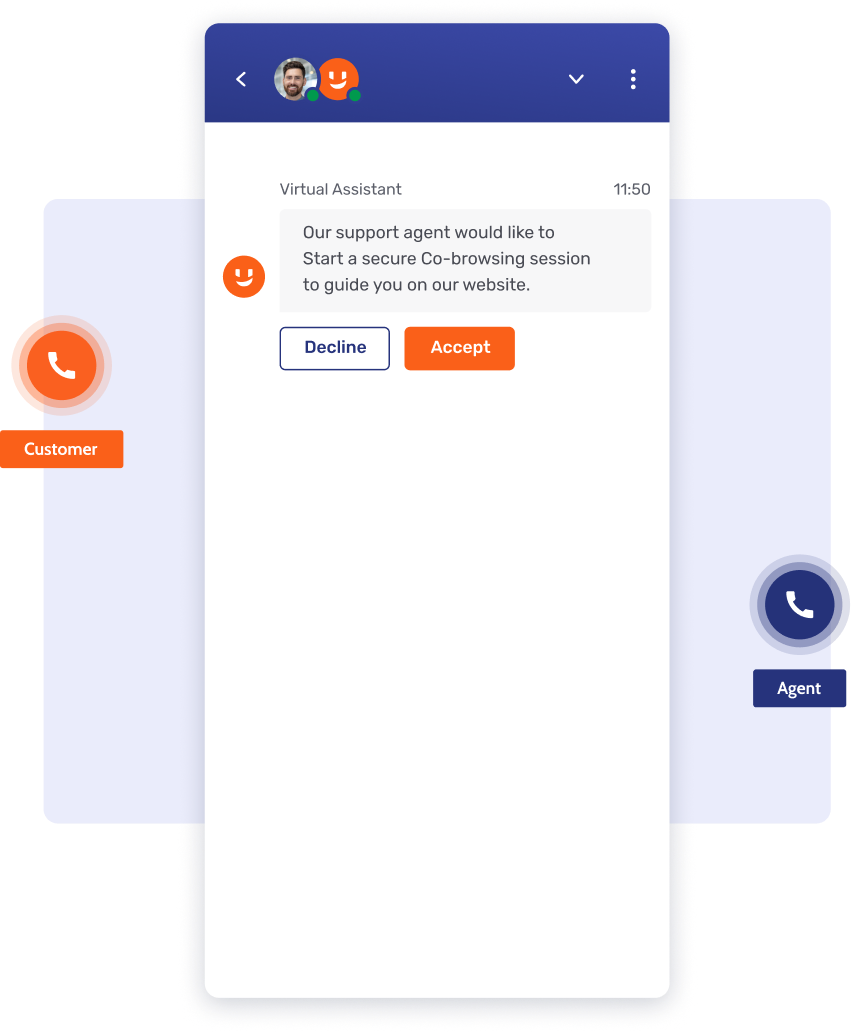
Visualize phone calls
Eliminate troubleshooting blindness by adding secure Co-Browsing to calls via PINs or invites, speeding up resolution and preventing fraud.
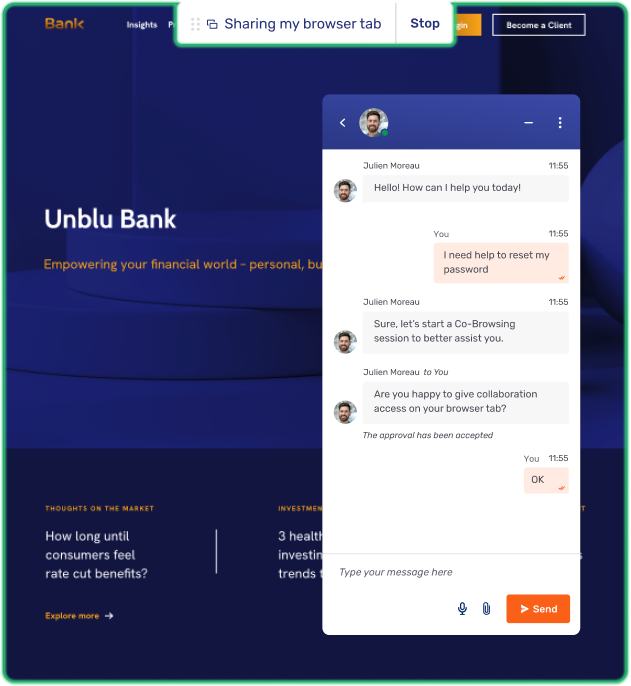
Speed up chat resolution
Resolve issues faster and eliminate friction by adding Co-Browsing to Live Chat, enabling agents to guide customers visually through complex steps.
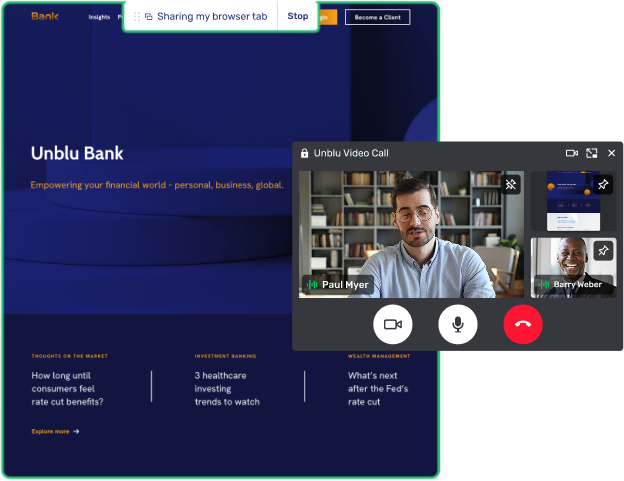
Level-up live meetings
Resolve complex issues faster and build trust by adding Co-Browsing to Video & Voice, offering high-touch visual guidance during live meetings.
Effortless for both customers and agents
Reduce cost-to-serve and boost digital adoption with secure Co-Browsing that removes friction to resolve complex queries faster
Secure instant access
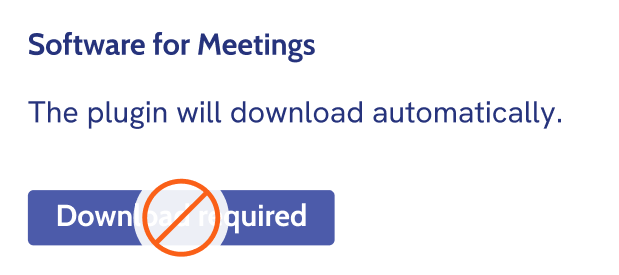
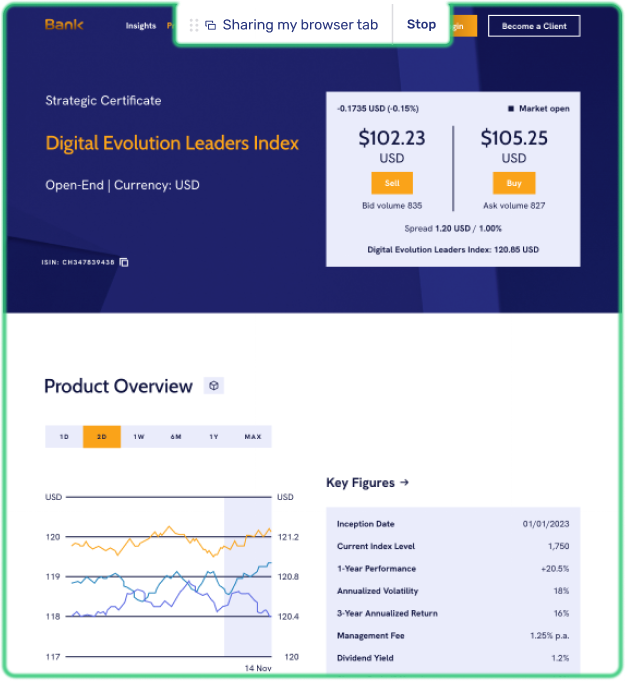
Eliminate security risk and build trust with instant Co-Browsing that requires no downloads or external software for agents or customers.
Simplified agent tools
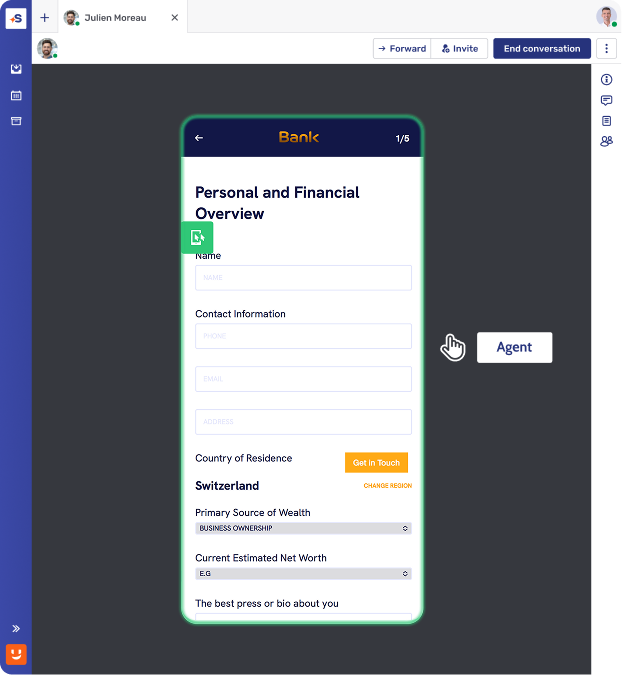
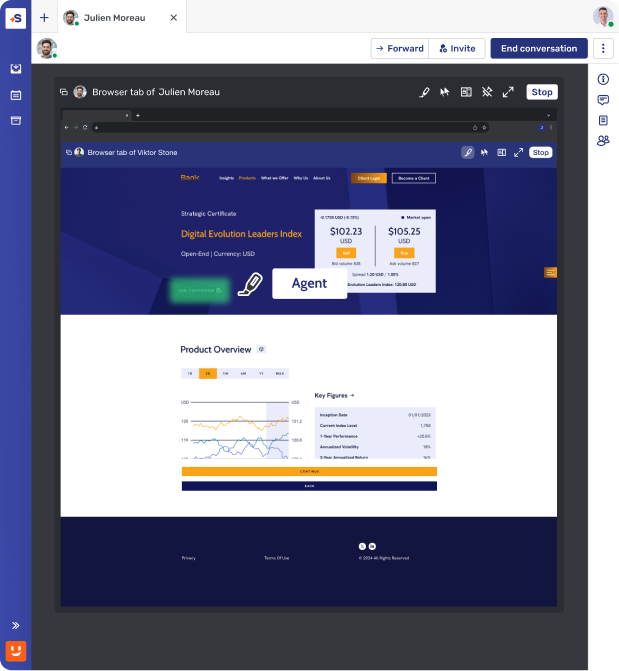
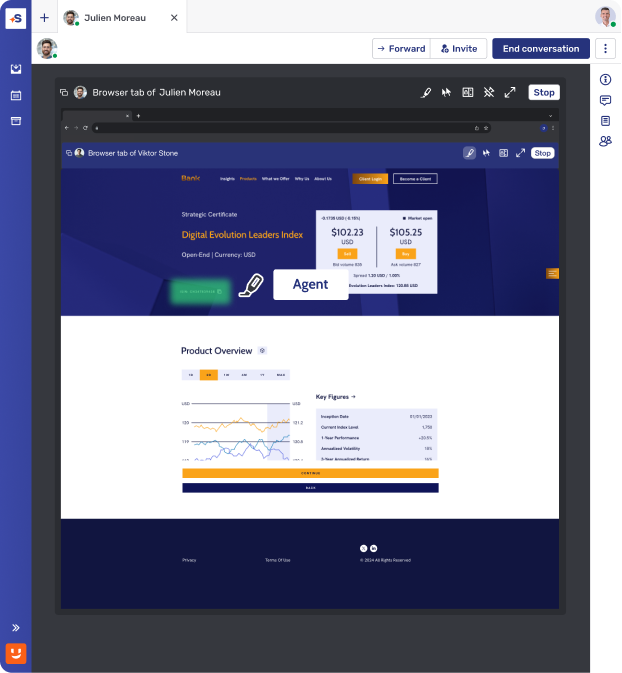
Improve efficiency and reduce effort with easy-to-use Co-Browsing tools that allow teams to highlight page areas or navigate with customer consent.
Transparent customer experience
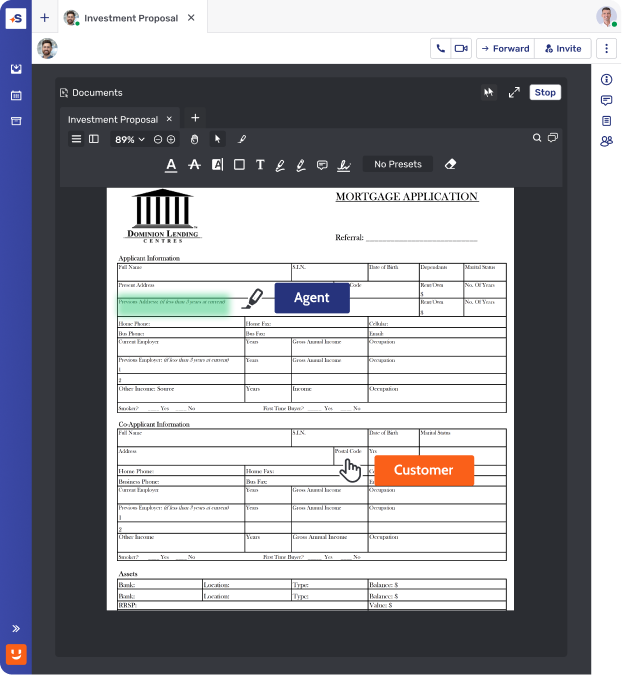
Customers always see exactly what is being browsed together, ensuring full transparency and control for more satisfied customers.
Expertise in the moments that matter
Resolve complex queries and build loyalty by using Co-Browsing to deliver immediate, visual guidance at the most critical points of the journey.
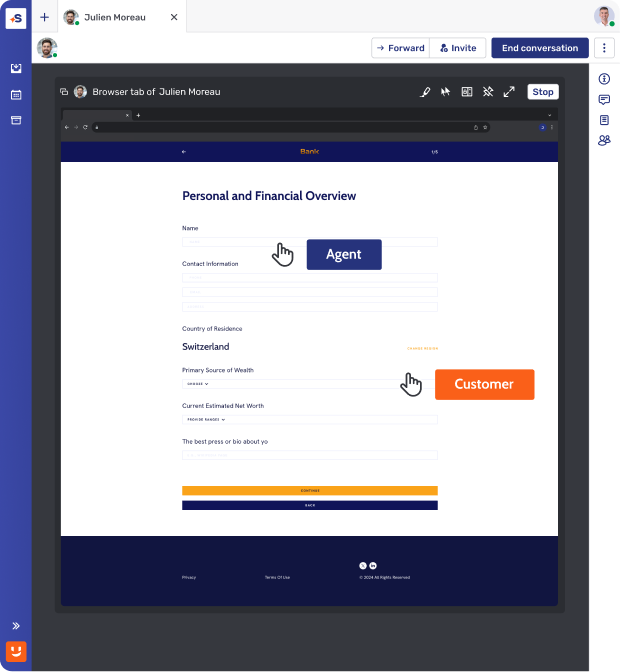
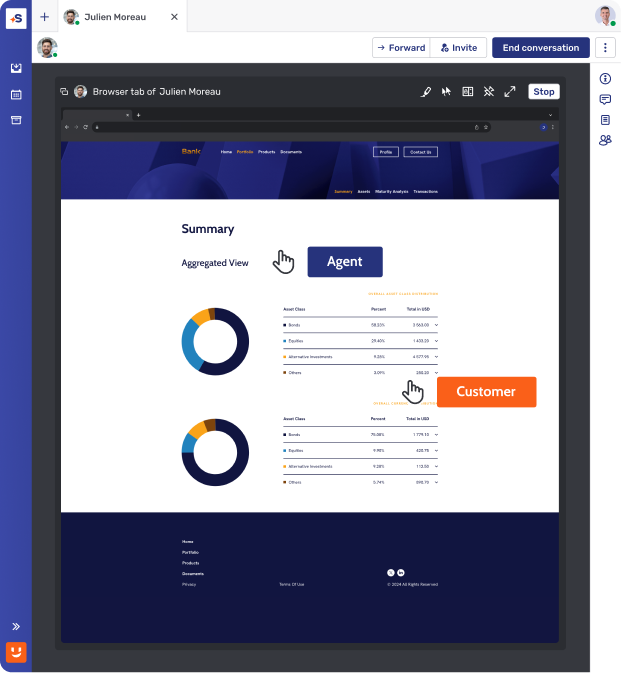
Master the onboarding journey
Eliminate abandonment during complex account setups with Co-Browsing, converting new users into loyal, long-term customers from day one.
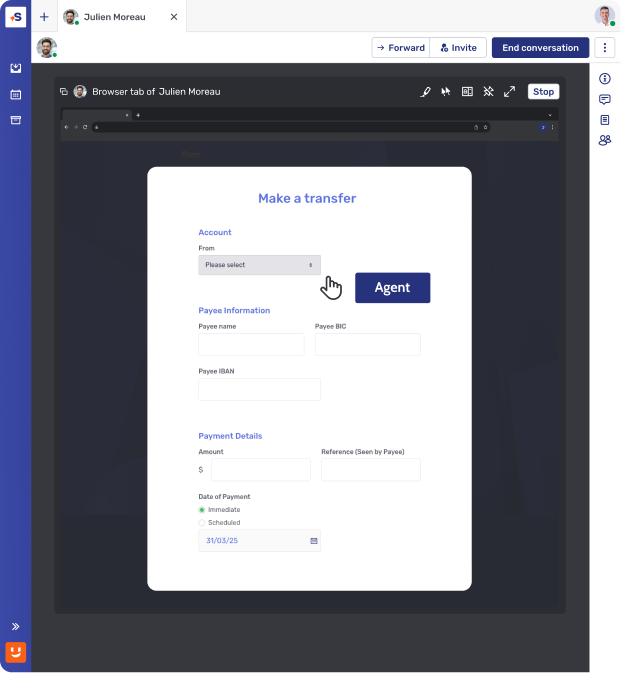
Streamline portal support
Improve support efficiency and client autonomy by using Co-Browsing to guide users through transactions, reducing friction and future inquiries.
Deliver premium digital advisory
Build deep trust during key moments by using Co-Browsing to walk clients through complex portfolio reviews and financial planning.
4X Digital Sales Conversion rate after 9 months
“We need to be where the customer wants to interact and provide a variety of options based on preference. This is what Unblu helps us to do.”


Security and compliance at the core
Ensure data privacy and regulatory compliance with built-in protections and audit logs.
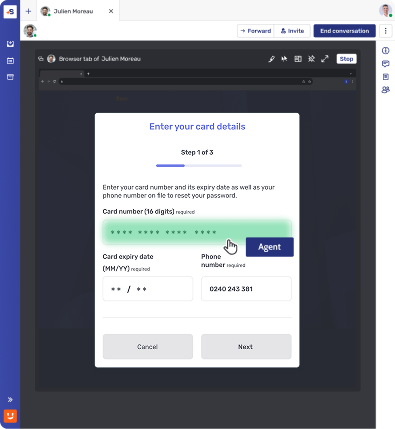
Field masking and function blocking
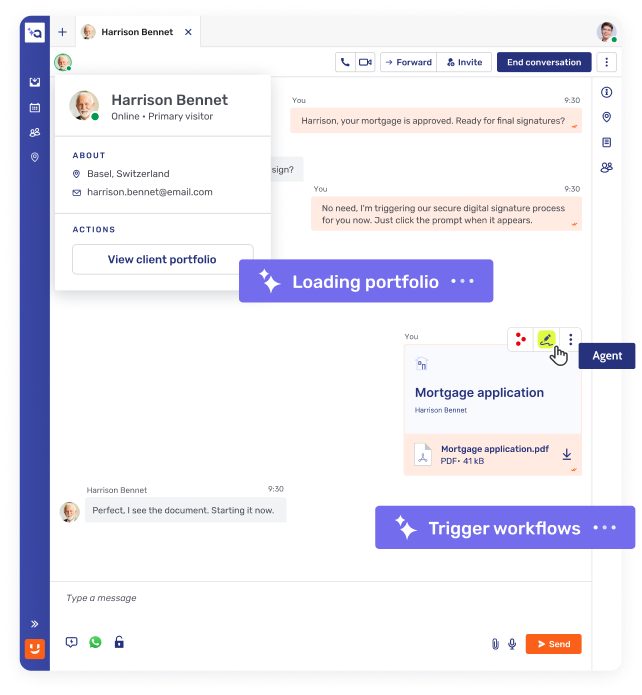
Hide sensitive fields (e.g. passwords, personal data) from customer service agents to protect customer information.
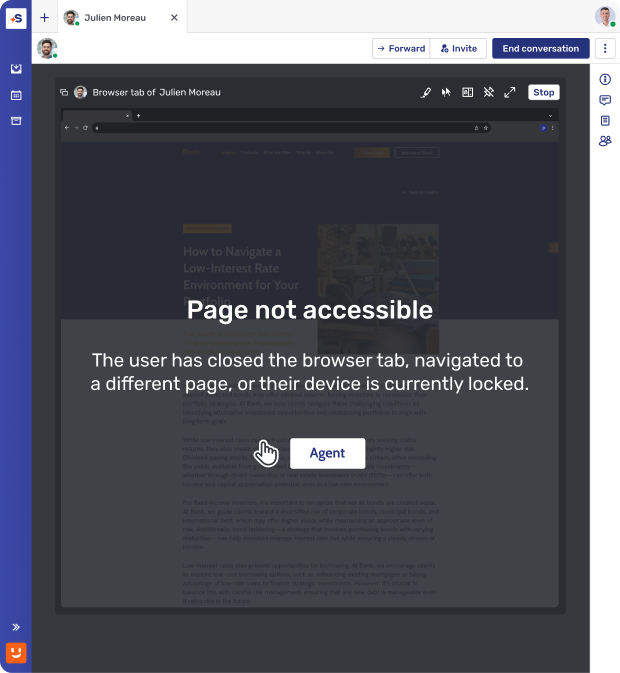
Page-level access control
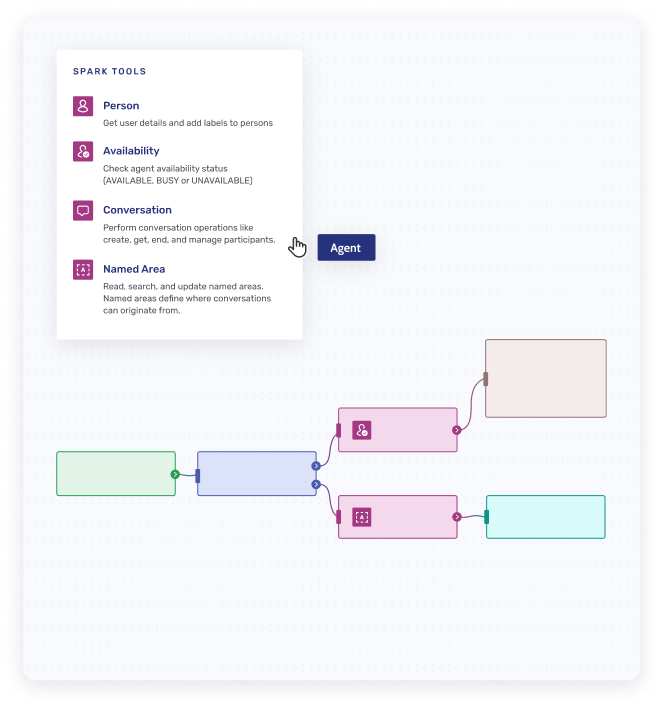
Only pre-approved web pages can be browsed together, preventing accidental exposure of unrelated content and protecting customer privacy.
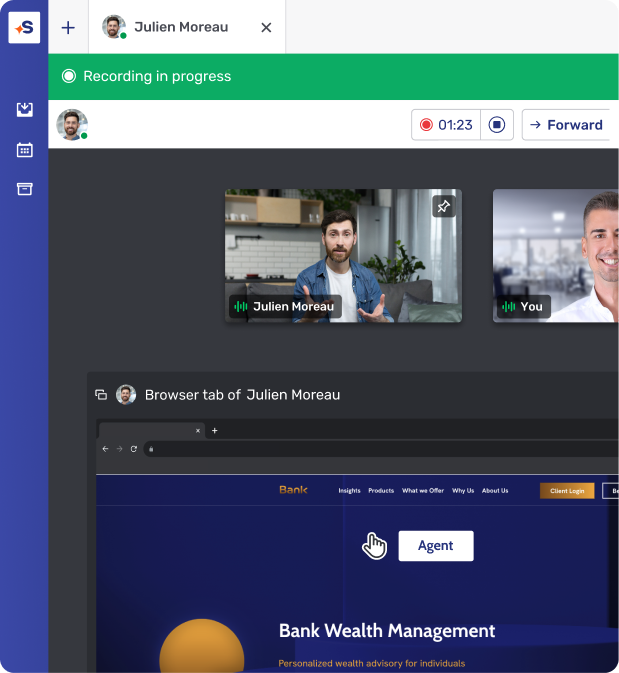
Session recording & storage
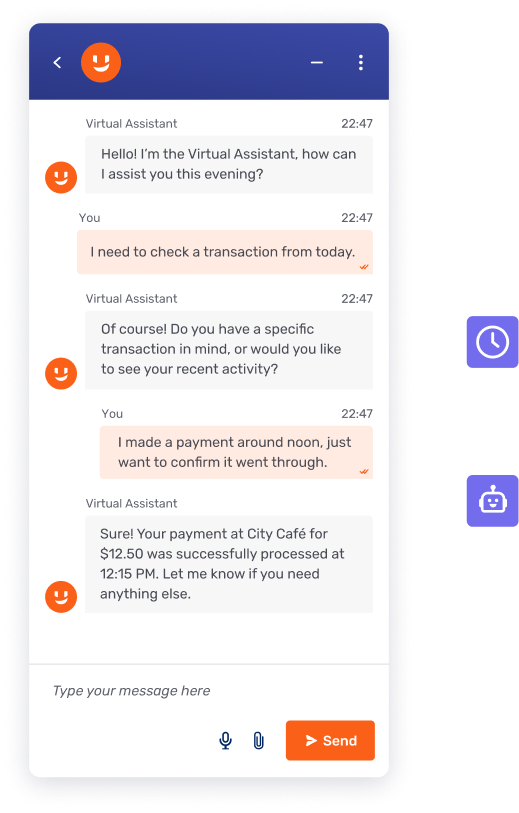
All Co-Browsing sessions can be recorded and securely stored for compliance, audit, or training purposes.
.svg)
How it works
Fast, secure, and easy to implement.
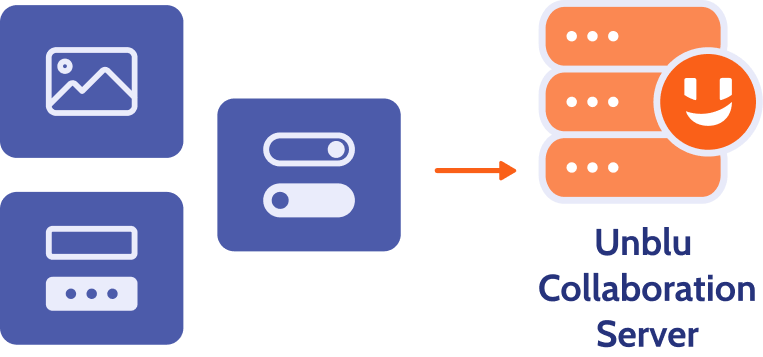
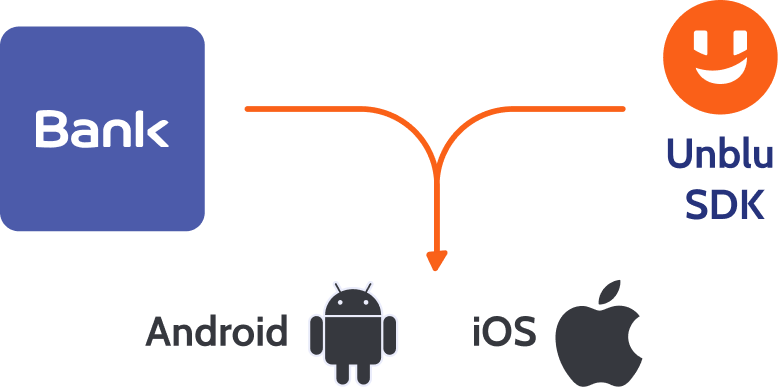
Real-time mobile interface rendering
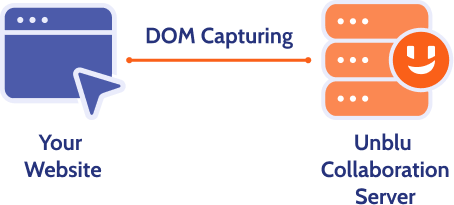
Co-Apping works by capturing and transmitting structured mobile app elements (not the entire screen), ensuring security and privacy.
Lightweight SDK integration
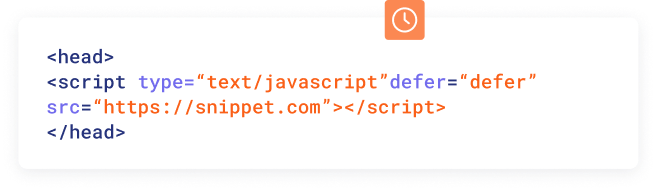
Implement Co-Apping by embedding the Unblu SDK within your mobile application – no complex development required.
Topic
Co-Browsing
Browser-Based sreensharing
Application-Based Screensharing (Zoom, Teams)
Installation requirements
No installation
Browser-native functionality
Needs system permission change and browser restart
Needs pre-installed app or plugin
Requires permissions + application restart
Scope of visibility
Only specific web session or element visible to advisor
Sharing scope pre-set by app (e.g., browser tabs only)
User can only approve or deny
Full application or screen shared
Navigation handling
Seamless across navigation
Advisor remains in session
Navigating to a new page or reloading the current page ends the sharing session
Users must approve screensharing again each time this occurs
User must manually manage what is shared
No automatic privacy safeguards
Browser/device compatibility
Works across all modern browsers and mobile devices.
Works for full screen or window sharing
Sharing is restricted to a single browser tab
Not supported on Safari and Firefox
Broad compatibility on desktops
Limited or clunky on mobile
Remote control permissions
Banks define which on-screen functions (e.g., button clicks) are available to advisors during a session
Does not support remote control
Advisors cannot assist the customer with the navigation
Remote control grants full access
No native function blocking (e.g., field masking, disabling button clicks) supported
Field masking
Specific fields (e.g., passcode, account number) can be masked from advisors.
No masking available – the entire application or desktop is shared.
Session recording
Selective interaction recording
Compliant with financial regulations
Full screen recording increases risk of Client Identifying Data (CID) exposure
Compliance impact
Supports GDPR and PCI-DSS compliance with controlled access
High risk of exposing Client Identifying Data (CID) and sensitive information
Unblu Co-Browsing
Installation requirements
No installation
Browser-native functionality
Scope of visibility
Only specific web session or element visible to advisor
Navigation handling
Seamless across navigation
Advisor remains in session
Browser/device compatibility
Works across all modern browsers and mobile devices.
Remote control permissions
Banks define which on-screen functions (e.g., button clicks) are available to advisors during a session
Field masking
Specific fields (e.g., passcode, account number) can be masked from advisors
Session recording
Selective interaction recording
Compliant with financial regulations
Compliance impact
Supports GDPR and PCI-DSS compliance with controlled access
Browser-Based screensharing
Installation requirements
Needs system permission change and browser restart
Scope of visibility
Sharing scope pre-set by app (e.g., browser tabs only)
User can only approve or deny
Navigation handling
Navigating to a new page or reloading the current page ends the sharing session
Users must approve screensharing again each time this occurs
Browser/device compatibility
Works for full screen or window sharing
Sharing is restricted to a single browser tab
Not supported on Safari and Firefox
Remote control permissions
Does not support remote control
Advisors cannot assist the customer with the navigation
Field masking
No masking available – the entire application or desktop is shared
Session recording
Full screen recording increases risk of Client Identifying Data (CID) exposure
Compliance impact
High risk of exposing Client Identifying Data (CID) and sensitive information
Application-Based Screensharing (Zoom, Teams)
Installation requirements
Needs pre-installed app or plugin
Requires permissions + application restart
Scope of visibility
Full application or screen shared
Navigation handling
User must manually manage what is shared
No automatic privacy safeguards
Browser/device compatibility
Broad compatibility on desktops
Limited or clunky on mobile
Remote control permissions
Remote control grants full access
No native function blocking (e.g., field masking, disabling button clicks) supported
Field masking
No masking available – the entire application or desktop is shared
Session recording
Full screen recording increases risk of Client Identifying Data (CID) exposure
Compliance impact
High risk of exposing Client Identifying Data (CID) and sensitive information
Frequently asked questions
What integrations does Unblu offer for secure messaging?

Unblu Secure Messenger offers flexible integration via REST and JavaScript APIs, supporting deployment in e-banking portals, mobile apps, or as a standalone interface. It integrates seamlessly with core banking and CRM systems, including Avaloq, Backbase, Objectway, Wealth Dynamix, Broadridge, and BNY Pershing. The platform also connects with enterprise-grade DLP and archiving systems for compliance, supports bank-level authentication inheritance, and offers connectors to messaging apps like WhatsApp.
How does secure messaging work?
Unblu Secure Messenger uses strong end-to-end encryption. Unlike consumer apps, enterprises can manage encryption keys and control data hosting, ensuring compliance and data sovereignty.
Which messaging app is most secure?
The “most secure” software depends on your needs. Consumer apps like Signal and WhatsApp provide strong encryption, but they aren’t built for enterprise compliance. Unblu Secure Messenger combines end-to-end encryption with enterprise-grade controls, compliance with regulations (GDPR, MiFID II, FINRA, HIPAA), and full auditability, making it more secure in a regulated business environment.
