




Mobile Co Apping
In-app collaborative support
Be where your banking customers are. Empower customers with real-time visual guidance – right within your mobile app.
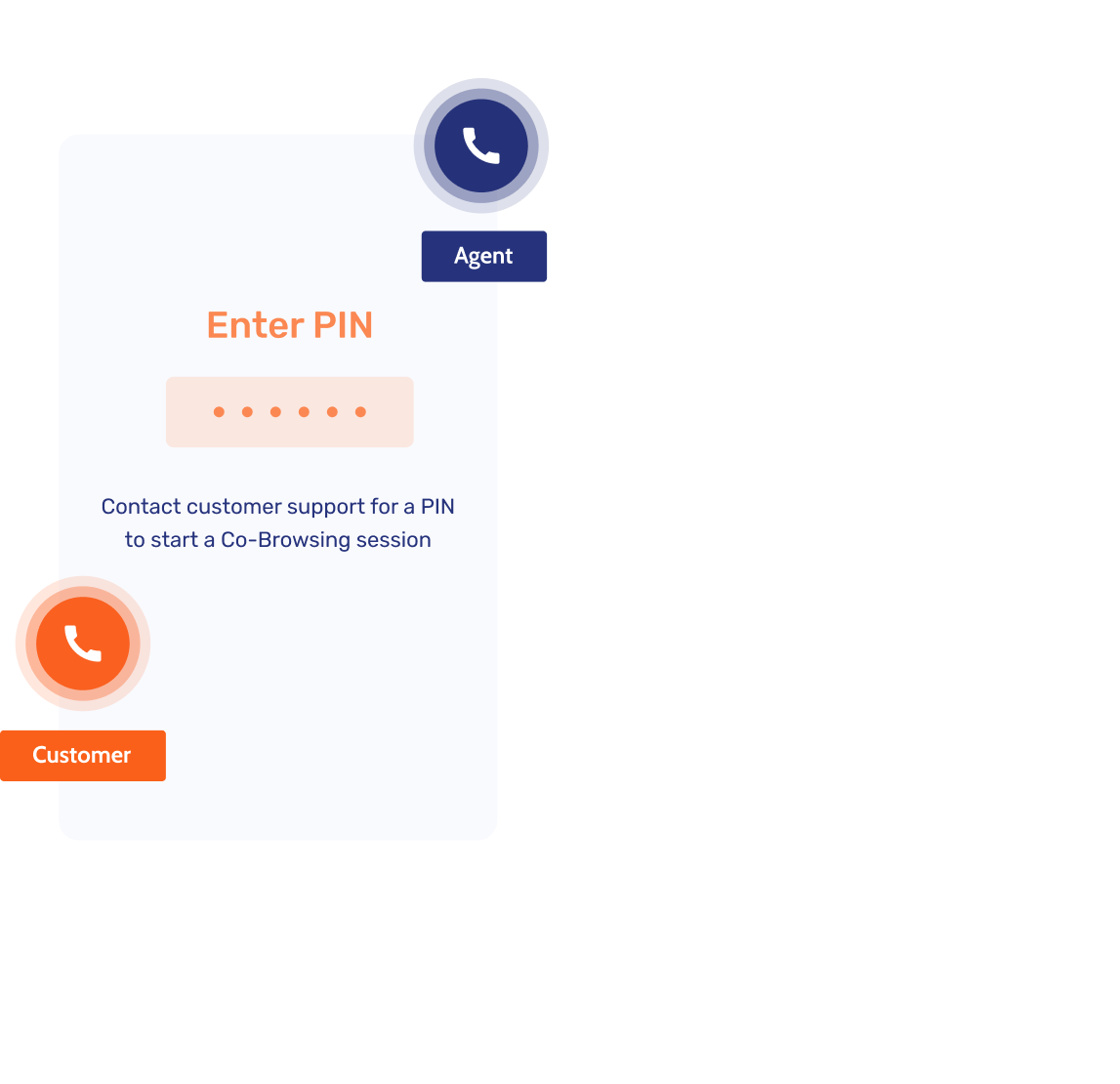

Engage customers where they are
Mobile banking is now the primary touchpoint, yet many banks struggle to provide effective in-app support. Enable your agents to assist customers in real time, improving engagement and self-service adoption.
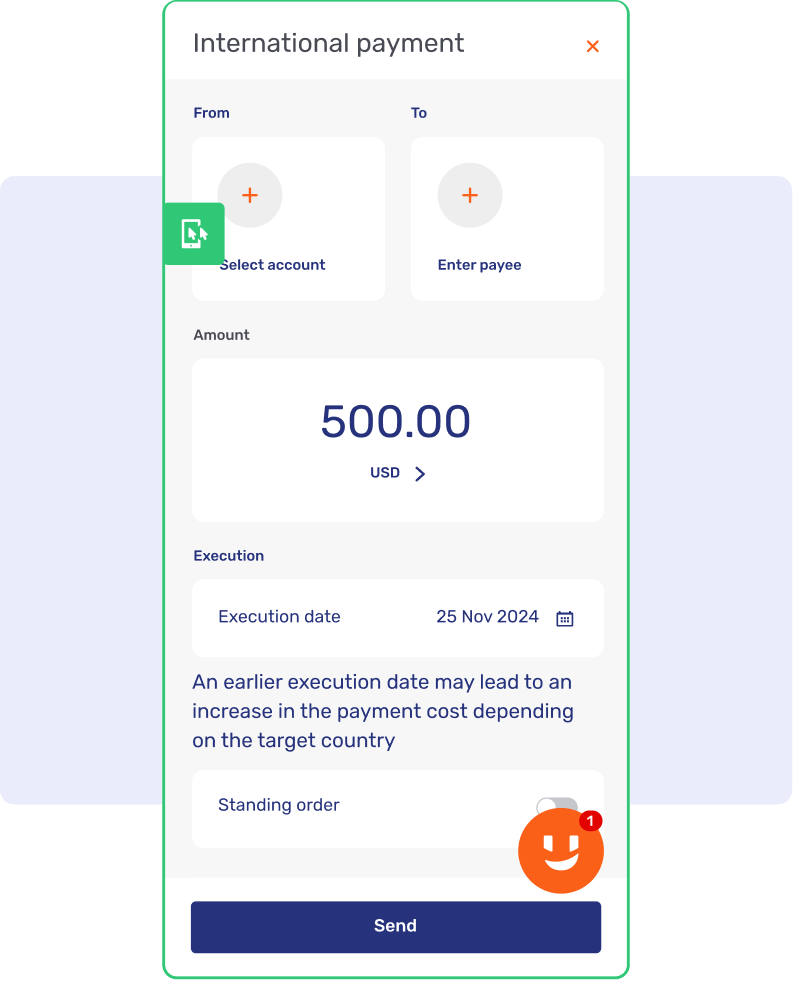

Augment in-app chat
Boost satisfaction and speed up resolutions with real-time guidance that helps customers navigate complex tasks directly in-chat.
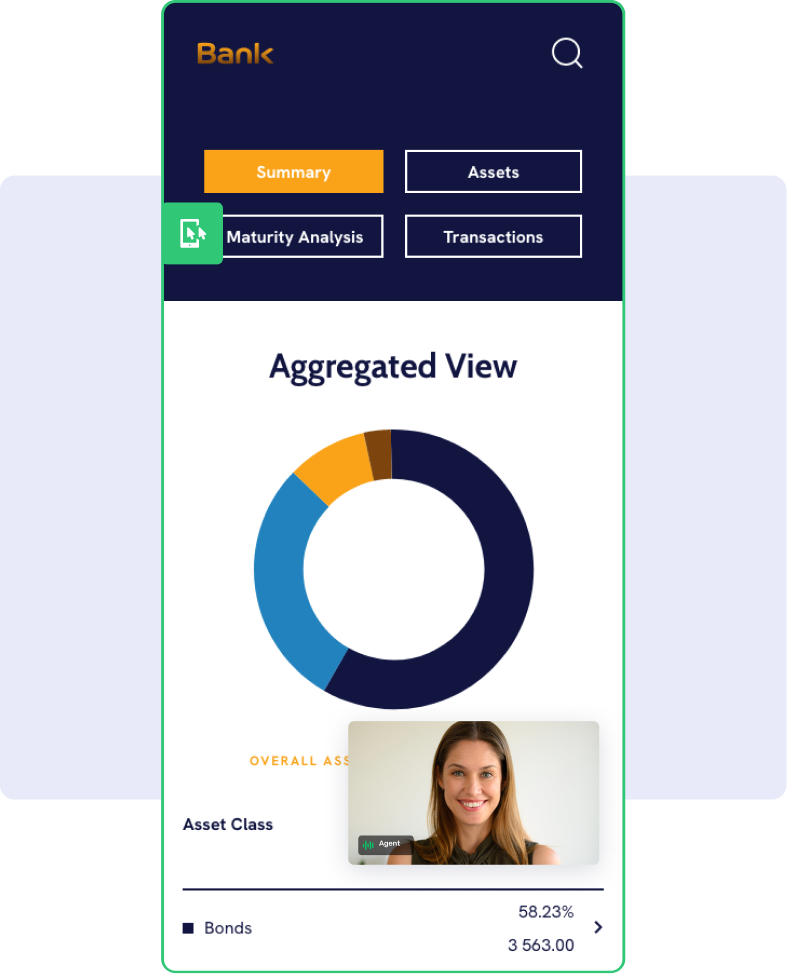
Resolve Video & Voice calls in-app
Reduce AHT and speed up resolution by visually guiding customers through complex app steps during live video and voice calls.
Build trust in the moment
Build trust and prevent fraud with secure, PIN-based visual support that helps phone customers complete complex digital tasks with expert ease.
Personal mobile guidance
Deliver a premium experience by using Co-Apping to offer real-time, high-touch support that simplifies complex app workflows and deepens client trust.
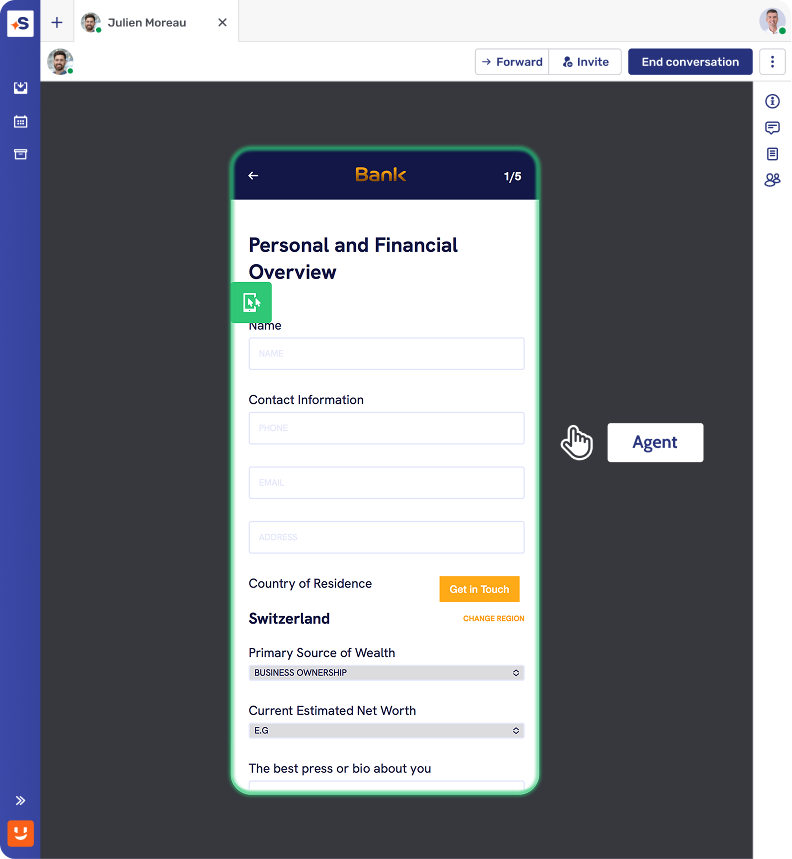
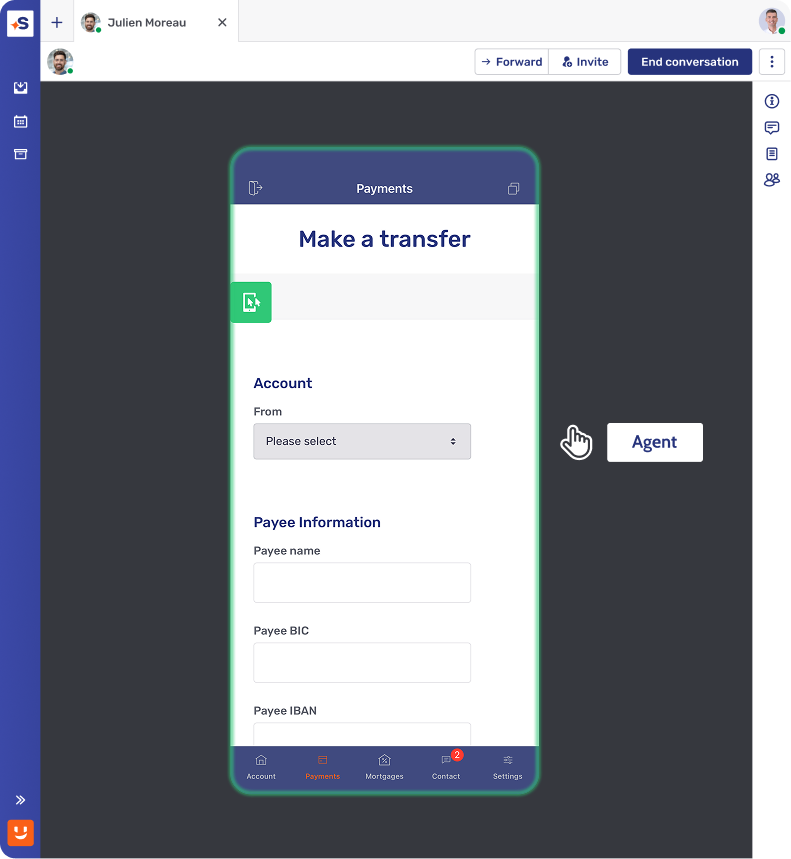
Streamline onboarding
Accelerate account activation and reduce abandonment with real-time guidance that helps clients navigate complex setup and security steps with ease.
Guide app journeys
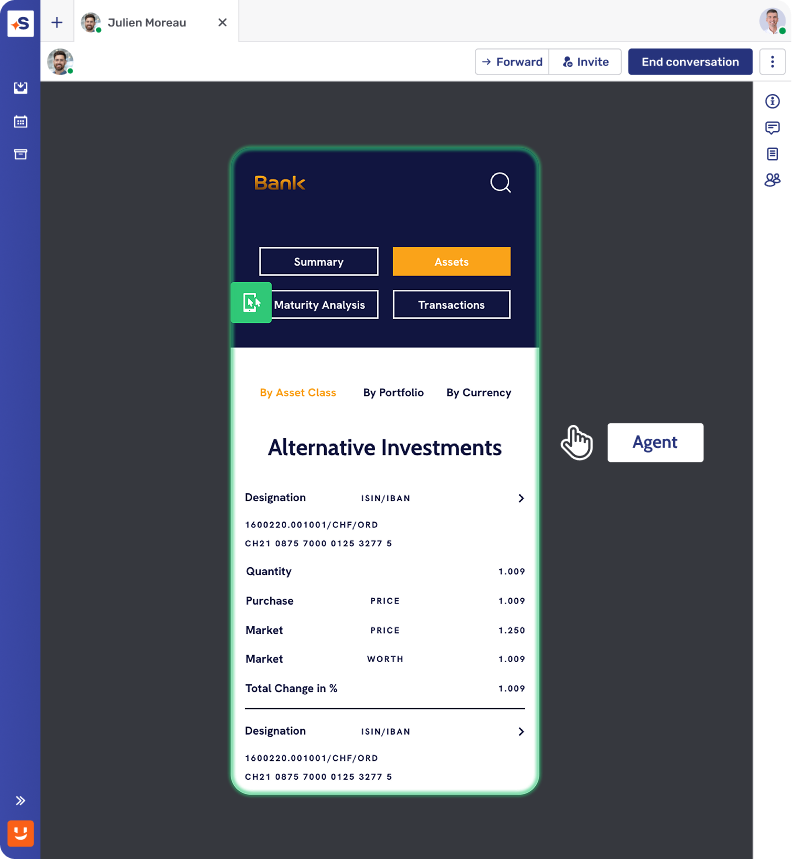
Deliver high-touch support by using Co-Apping to help clients complete complex payments and portfolio updates within a secure digital experience.
Premium advisory support
Deepen trust by providing high-touch, secure advisory guidance and portfolio reviews directly in your mobile app with Co-Apping and Video & Voice.
Tatra Banka achieved a 94 NPS with mobile banking support
“This was really amazing. I like to say that 20 out of 20 bankers recommend us.”


Built to fit your core banking stack
Native, certified integrations with the platforms you already run. Deploy in months, not years.

Contextualized engagement, embedded natively in Avaloq's web and mobile front ends.

Unblu lives inside Temenos Digital, Wealth, and Journey Manager, so customers reach a real RM.

Human conversation, built into Finnova's E-Banking, Mobile Banking, and Advisor Workbench.

Secure messaging, video, and document sharing – replacing email and phone, natively inside Wove Advisor.

Advisor-client conversations, compliant by design, native to the Broadridge Advisor Workstation.

Secure digital interaction, built into the Broadridge Advisor Workstation





Security and compliance at the core
Ensure data privacy and regulatory compliance with built-in protections and audit logs.
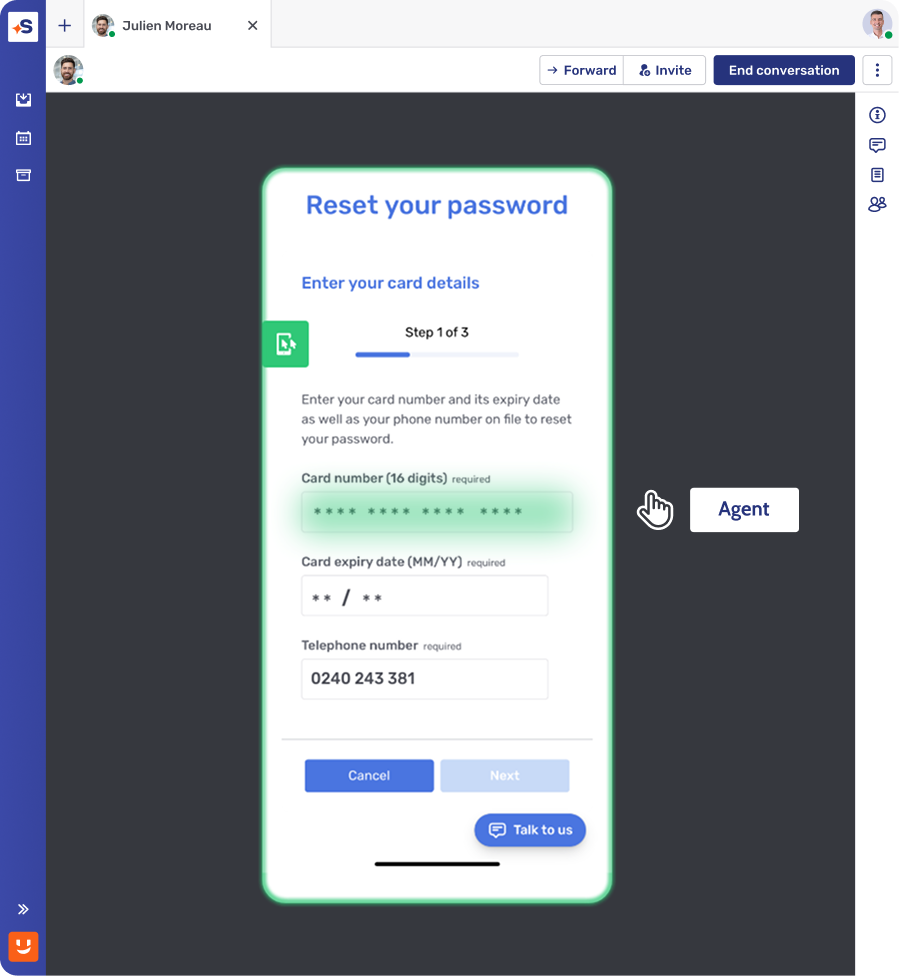
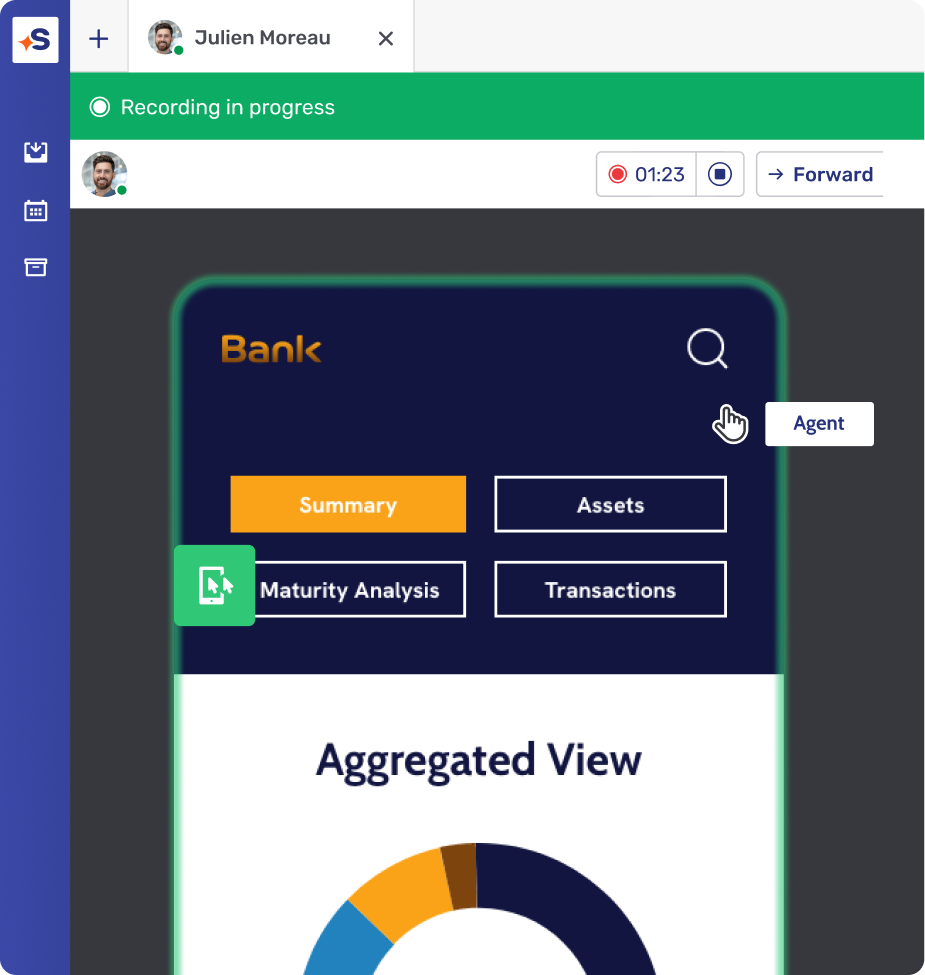
Secure data protection
Ensure regulatory compliance and protect client privacy by automatically masking sensitive data fields during any secure Co-Apping session.
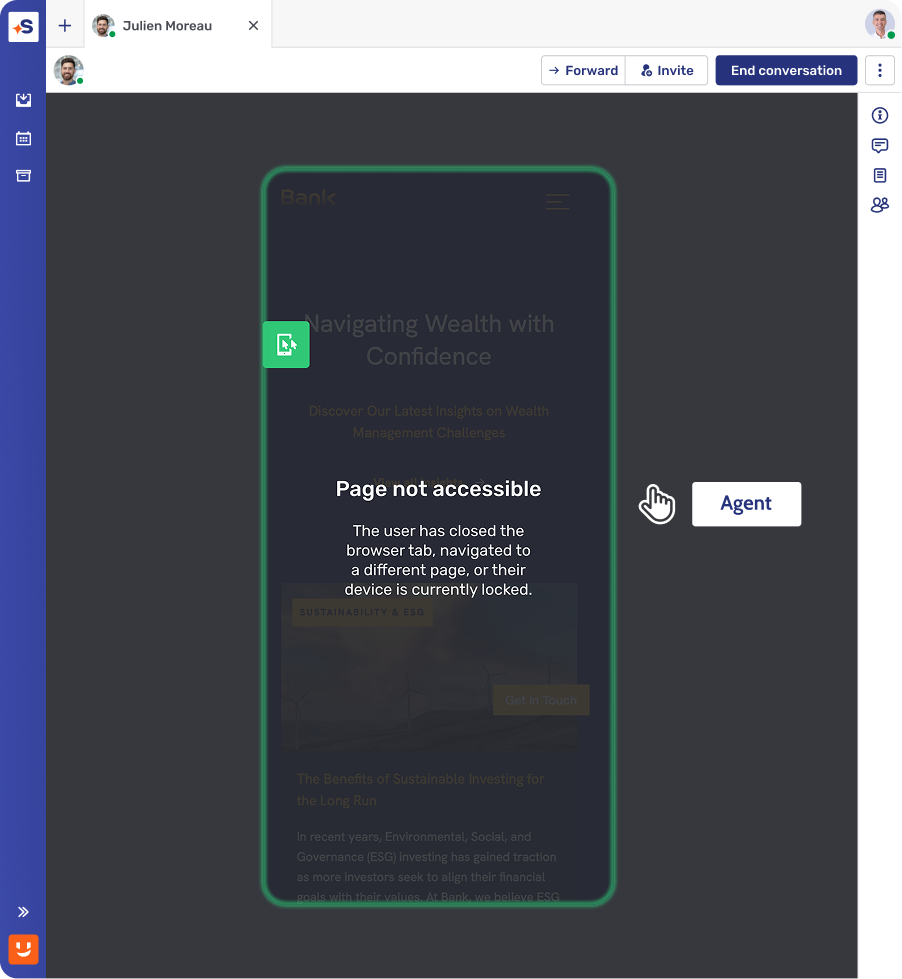
Complete session control
Reduce risk exposure and ensure compliance by restricting Co-Apping to your governed app environment, preventing accidental data sharing.
Governed session storage
Reduce compliance risk and simplify audits by securely recording and storing every Co-Apping session for governed
How it works
Fast, secure, and easy to implement.
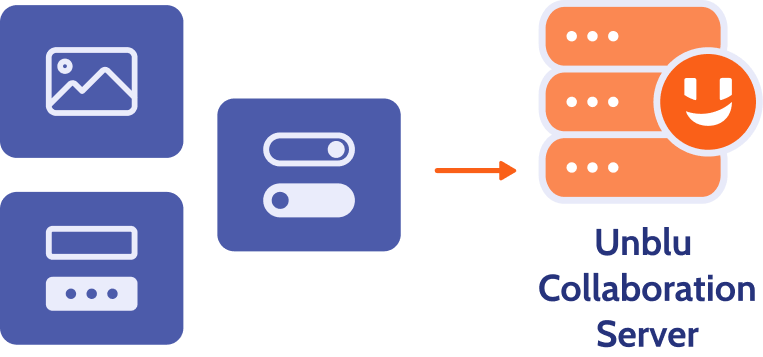
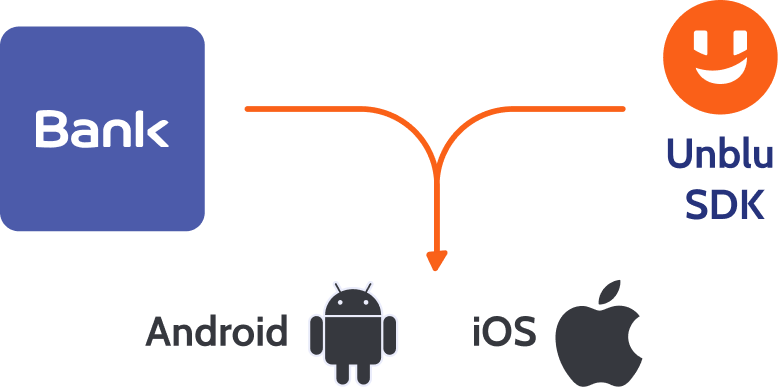
Real-time mobile interface rendering
Co-Apping works by capturing and transmitting structured mobile app elements (not the entire screen), ensuring security and privacy.
Lightweight SDK integration
Implement Co-Apping by embedding the Unblu SDK within your mobile application – no complex development required.
When the issue lives outside your app
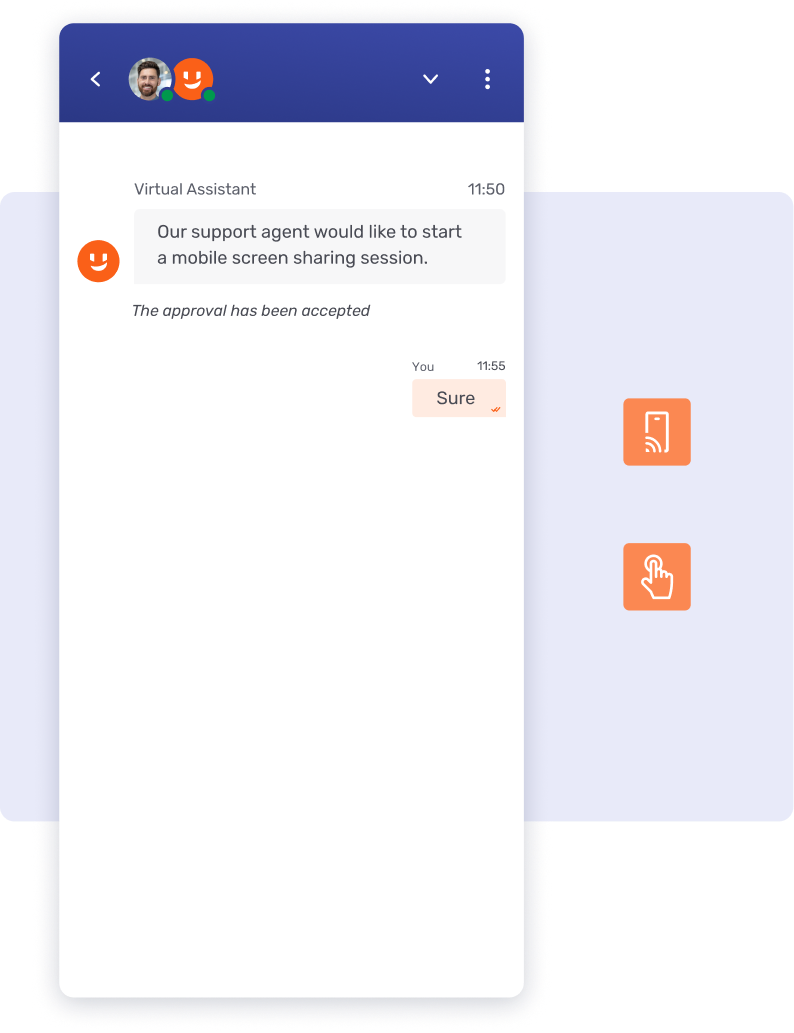
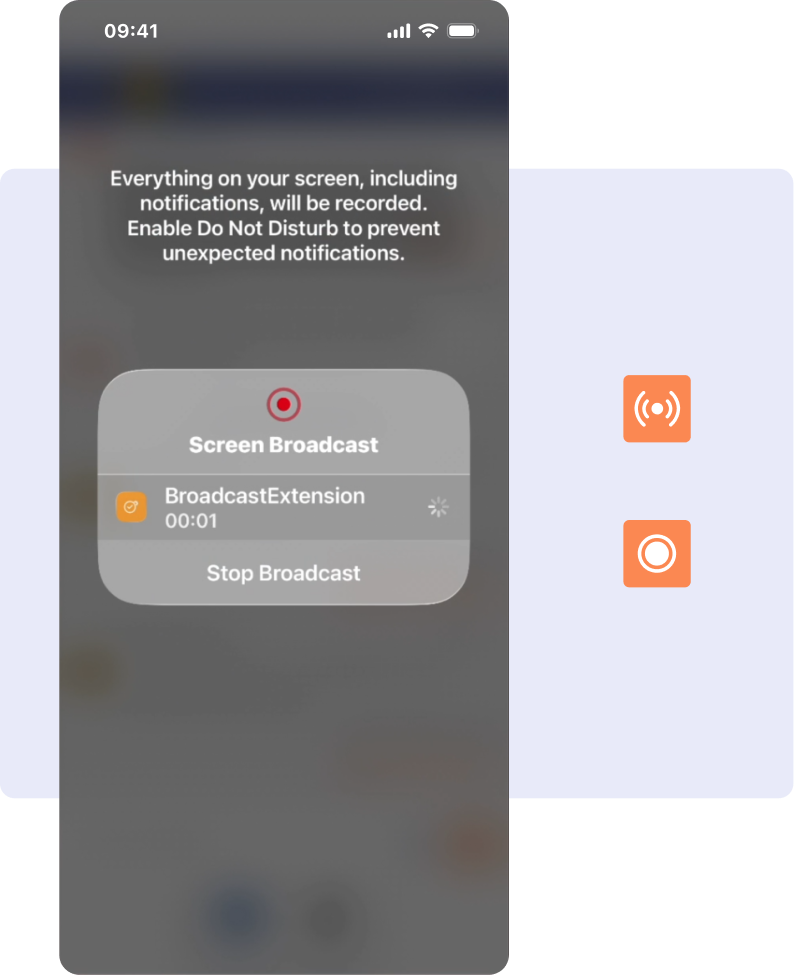
Mobile Screensharing gives agents full-device visibility, on the customer's terms.
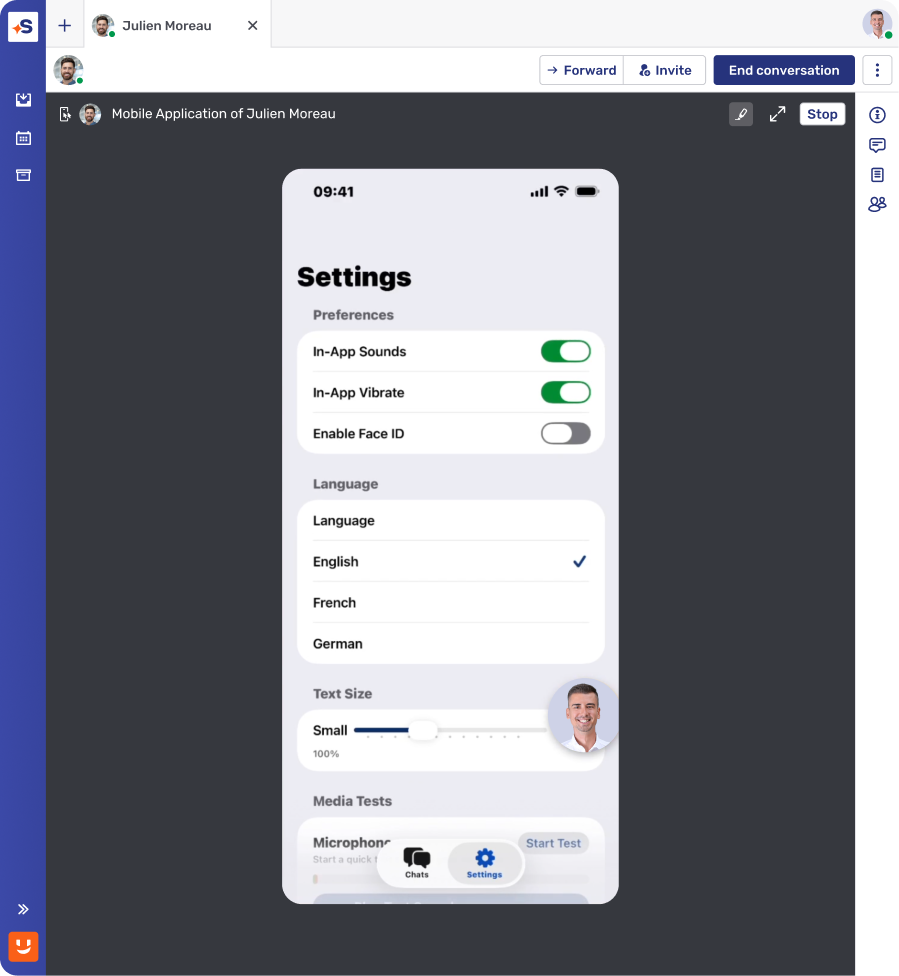
Extend support beyond the app
Guide customers through third-party apps, OS-level settings, or adjacent app configurations that were previously out of reach.
Multiple activation triggers
Start a session with an agent request, a PIN-based invite that activates automatically, or an app-initiated screensharing-first conversation.
Explicit, just-in-time consent
Get customer approval within Unblu, followed by the native OS-level permission dialog, before screensharing begins.
The significance of Co-Apping in the era of mobile banking
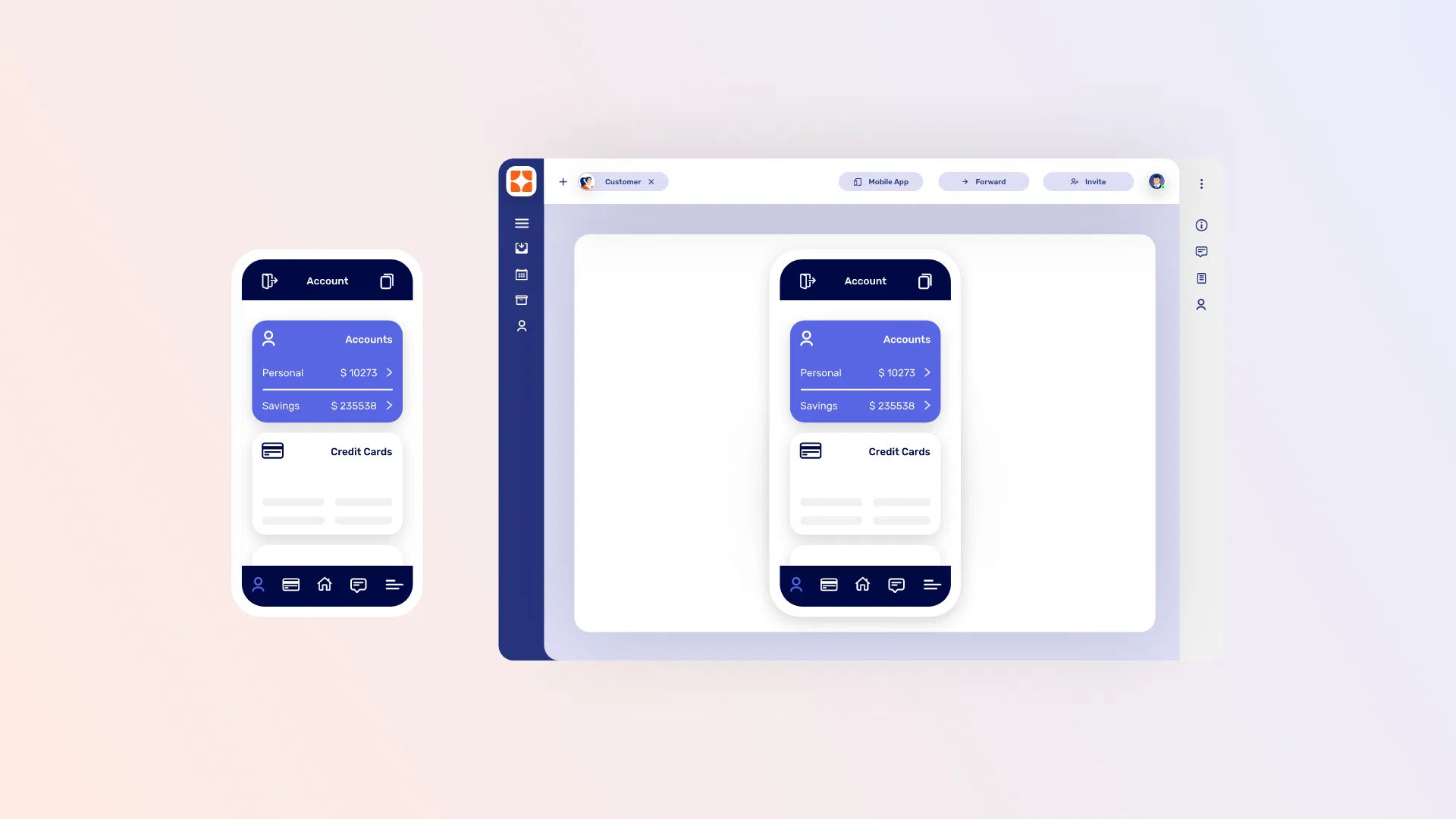

An Unblu customer recently reported that their agents launched 300,000 Co-Apping sessions to solve customer issues in the first year after the implementation, compared to around 65,000 web-based Co-Browsing sessions in the same period.
Frequently asked questions
Is Mobile Co-Apping secure, and what compliance considerations does it address?

Yes. Mobile Co-Apping restricts sessions to your bank's own governed mobile app, so advisors never gain access outside that environment. Sensitive fields such as passwords and personal data are automatically masked before an agent can view them, and every session can be recorded and securely stored for audit and compliance review. Because Co-Apping captures structured app elements rather than the full device, banks retain the same data-privacy posture as their existing app already enforces.
What is Mobile Co-Apping?
Mobile Co-Apping is Unblu's in-app collaboration capability that lets bank advisors see and guide a customer's live mobile banking app in real time, without leaving the customer's own session. Advisors can walk clients through onboarding, payments, or portfolio actions directly inside chat, voice, or video interactions, using structured element capture rather than full-screen mirroring to keep sensitive data protected.
Are Mobile Screensharing sessions recorded and auditable?
Yes. Sessions can be recorded via Unblu's conversation recording feature under your retention policy, and every start and stop event is logged as a system message in the conversation, giving you a built-in audit trail alongside your existing compliance controls.
What happens to data privacy during a full-device session?
Because Screensharing captures the whole device rather than a single app, masking works differently than in embedded Co-Apping: once the customer grants OS permission, sensitive content is hidden by the operating system or the individual app rather than by Unblu — for example, apps can mark views as secure so they render as black to the agent.
How does Mobile Screensharing differ from Mobile Co-Apping?
Co-Apping guides customers inside your own app. Mobile Screensharing extends that same trusted, consent-based workflow to the rest of the device — third-party apps, OS settings, and anywhere else an issue might live — using native iOS and Android screen capture instead of in-app rendering.
