




Video & Voice
Talk it through with your financial clients
Schedule secure and flexible calls with your clients – or jump on ad-hoc.

Personalize the customer journey
Humanize every interaction by offering face-to-face video and voice calls to build stronger, more empathetic customer relationships.
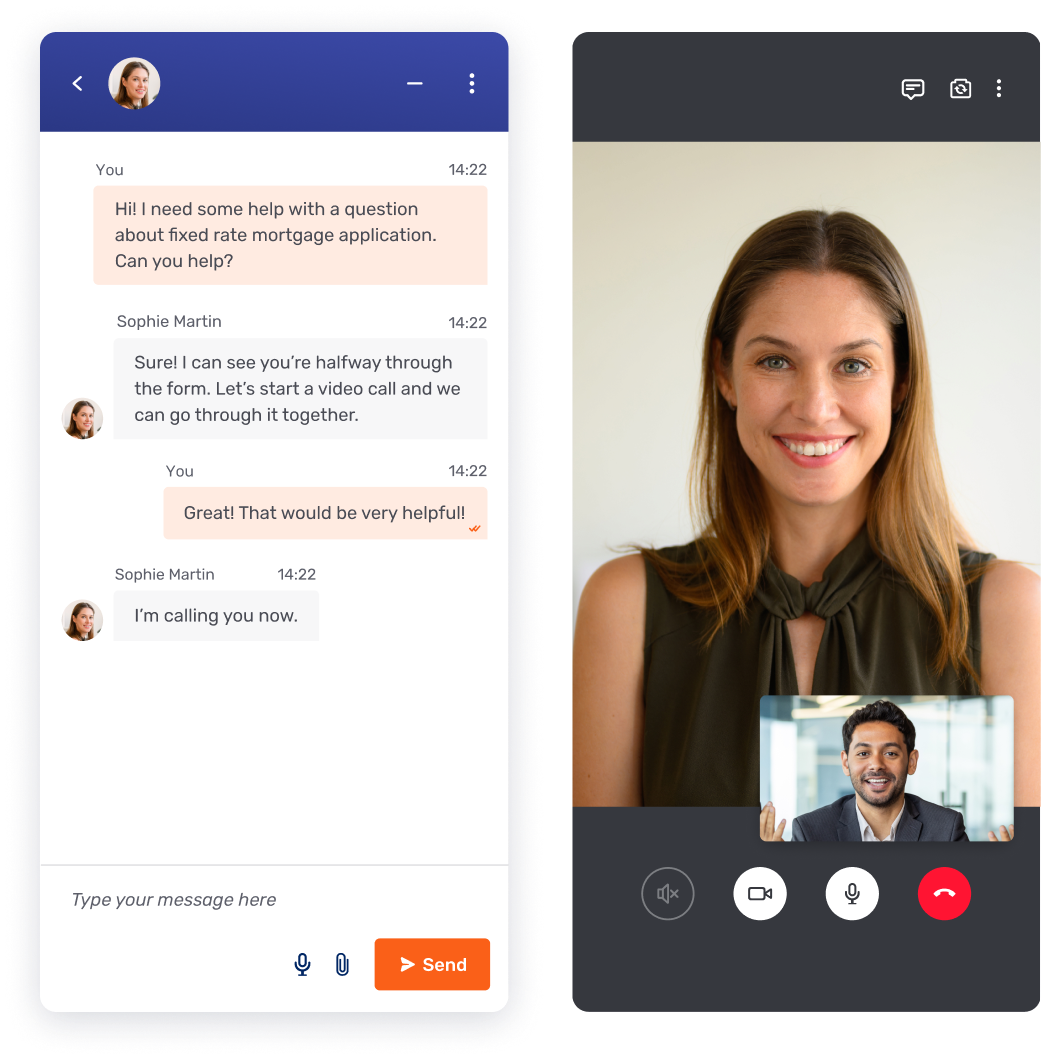
Immediate face-to-face elevation
Switch from chat to video with one click. Resolve complex queries faster by adding a personal touch the moment a customer needs more clarity.
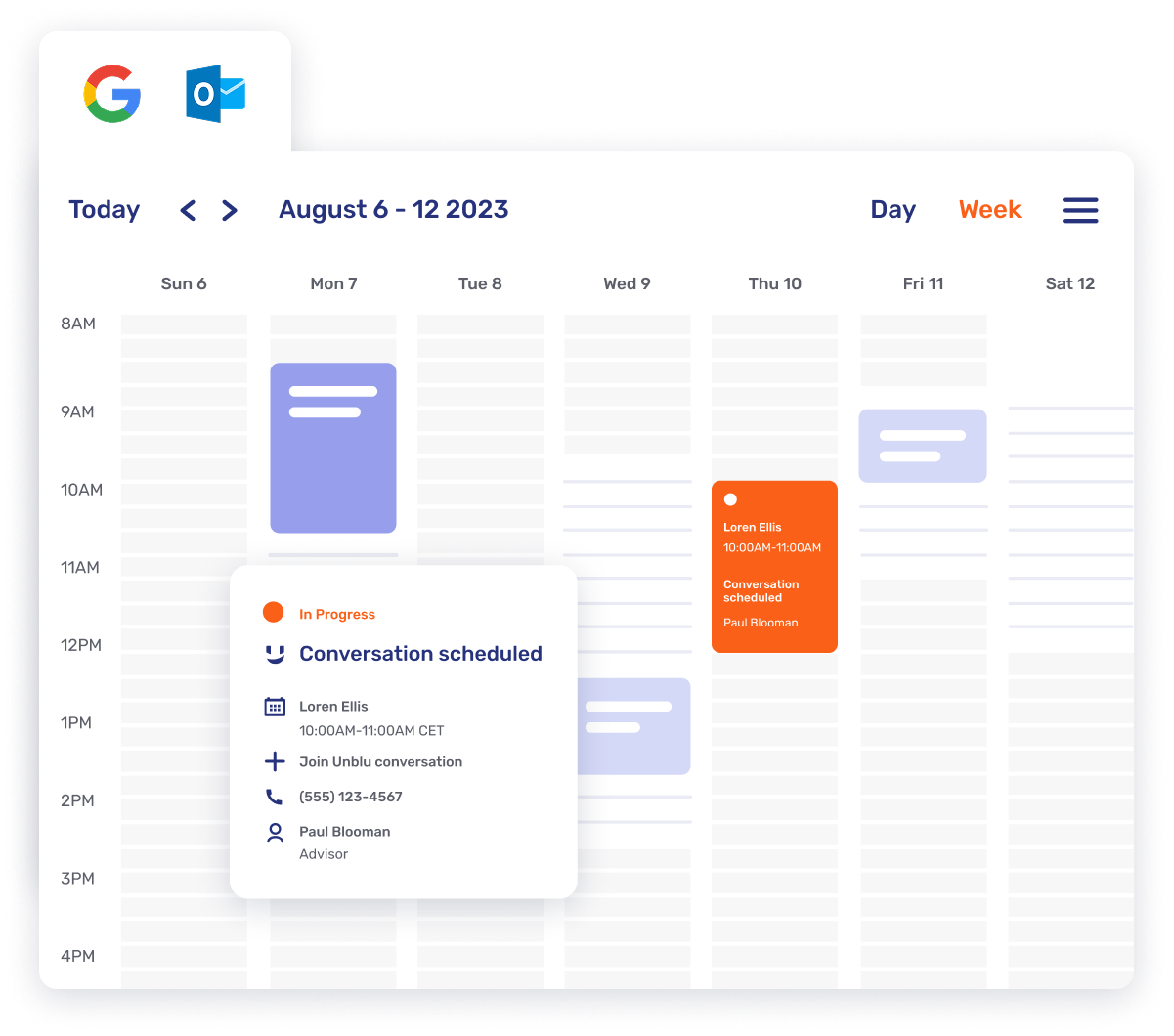
Unified scheduling workflows
Connect with Outlook, Teams, or Google Calendar. Let advisors manage their day effortlessly while keeping customer meetings organized.
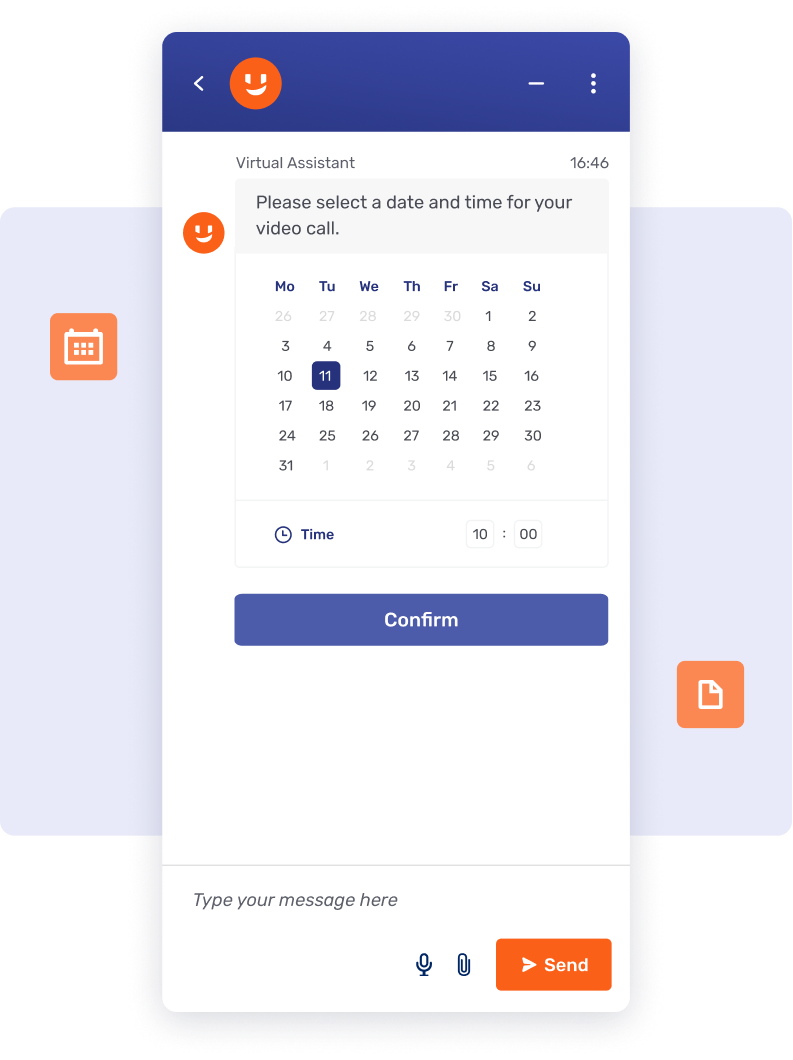
Effortless meeting scheduling
Allow customers to book sessions directly from your site or app. Reduce back-and-forth friction and ensure high-value interactions are planned.
Intelligent advisor augmentation
Empower agents and advisors to lead more effective meetings by automating manual admin tasks and removing language barriers for a more inclusive experience.
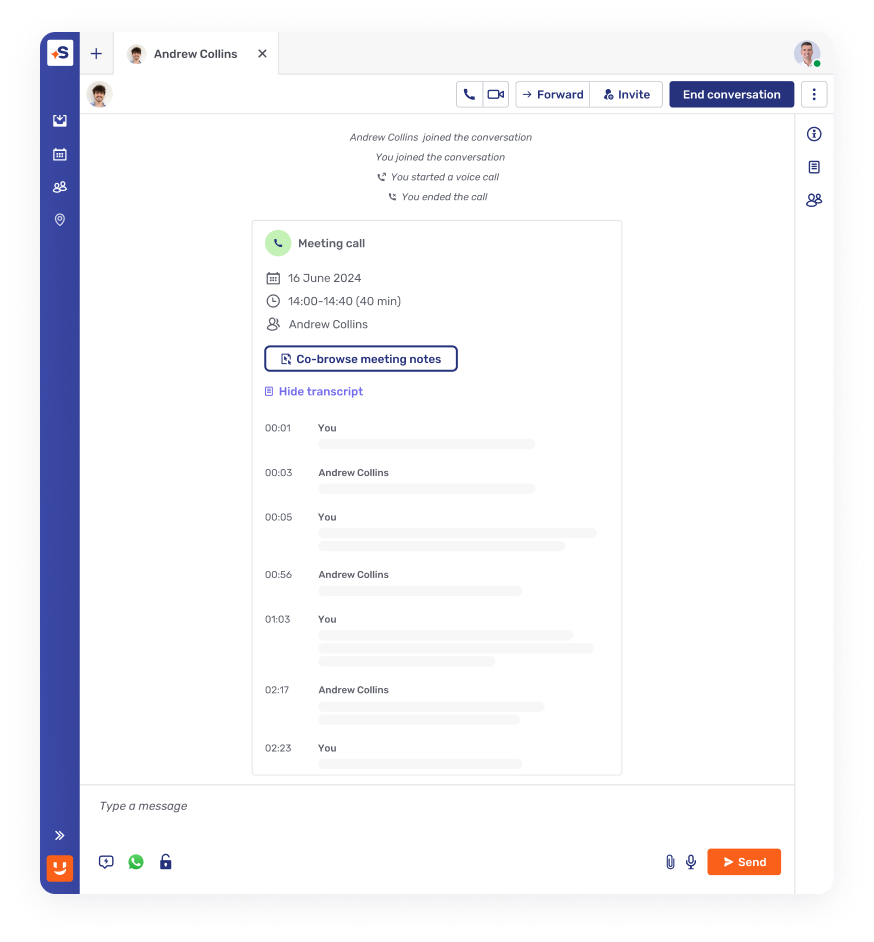
Intelligent post-call automation
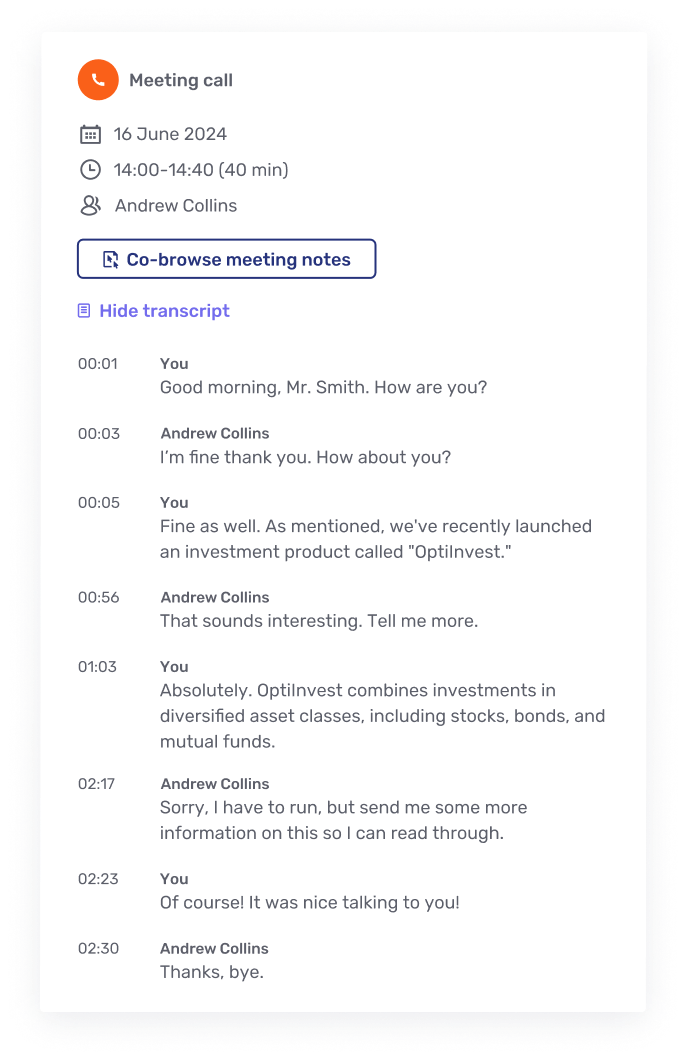
Eliminate manual note-taking with AI-generated transcripts and summaries, keeping advisors focused on the customer, not the paperwork.
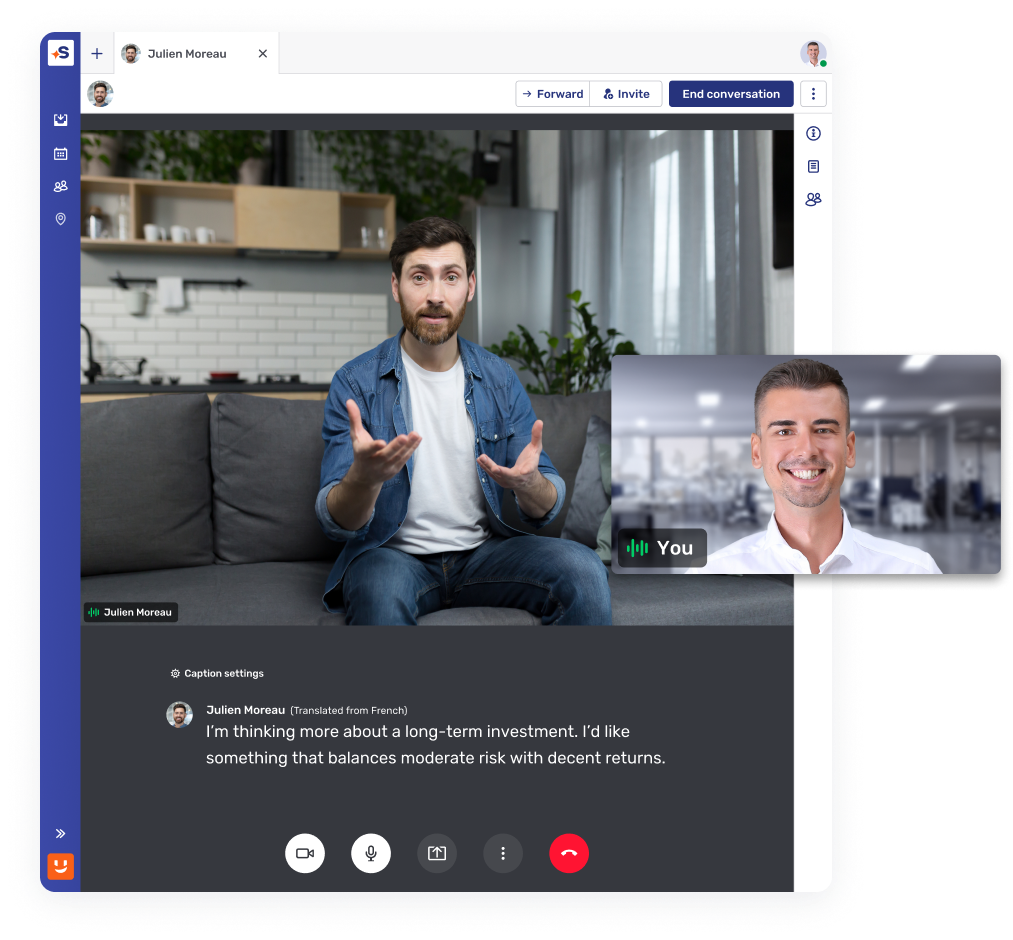
Inclusive global communication
Support every customer in their native tongue with real-time captions and live translations in over 30 languages during every call.
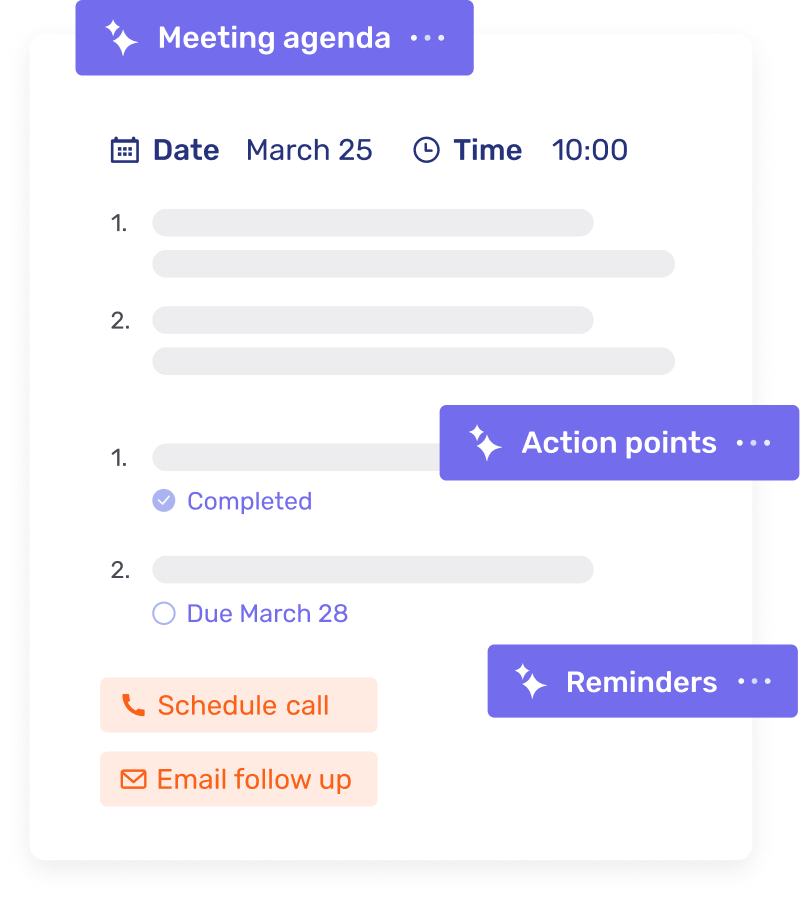
Automated meeting preparation
Streamline every session with AI-generated agendas and automated follow-up reminders to ensure no action point is ever missed.
Built to fit your core banking stack
Native, certified integrations with the platforms you already run. Deploy in months, not years.

Contextualized engagement, embedded natively in Avaloq's web and mobile front ends.

Unblu lives inside Temenos Digital, Wealth, and Journey Manager, so customers reach a real RM.

Human conversation, built into Finnova's E-Banking, Mobile Banking, and Advisor Workbench.

Secure messaging, video, and document sharing – replacing email and phone, natively inside Wove Advisor.
Advisor-client conversations, compliant by design, native to the Broadridge Advisor Workstation.

Secure digital interaction, built into the Broadridge Advisor Workstation





Elevate the remote experience
Deliver high-quality, interactive video calls that reinforce professional standards and trust within your own branded ecosystem.
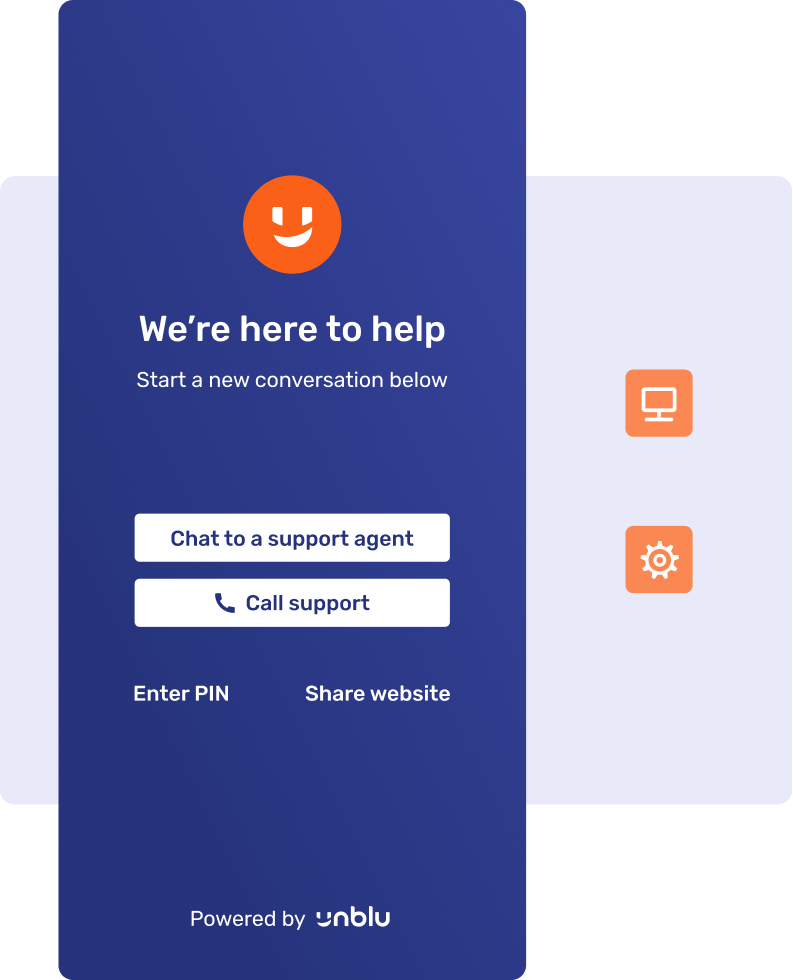
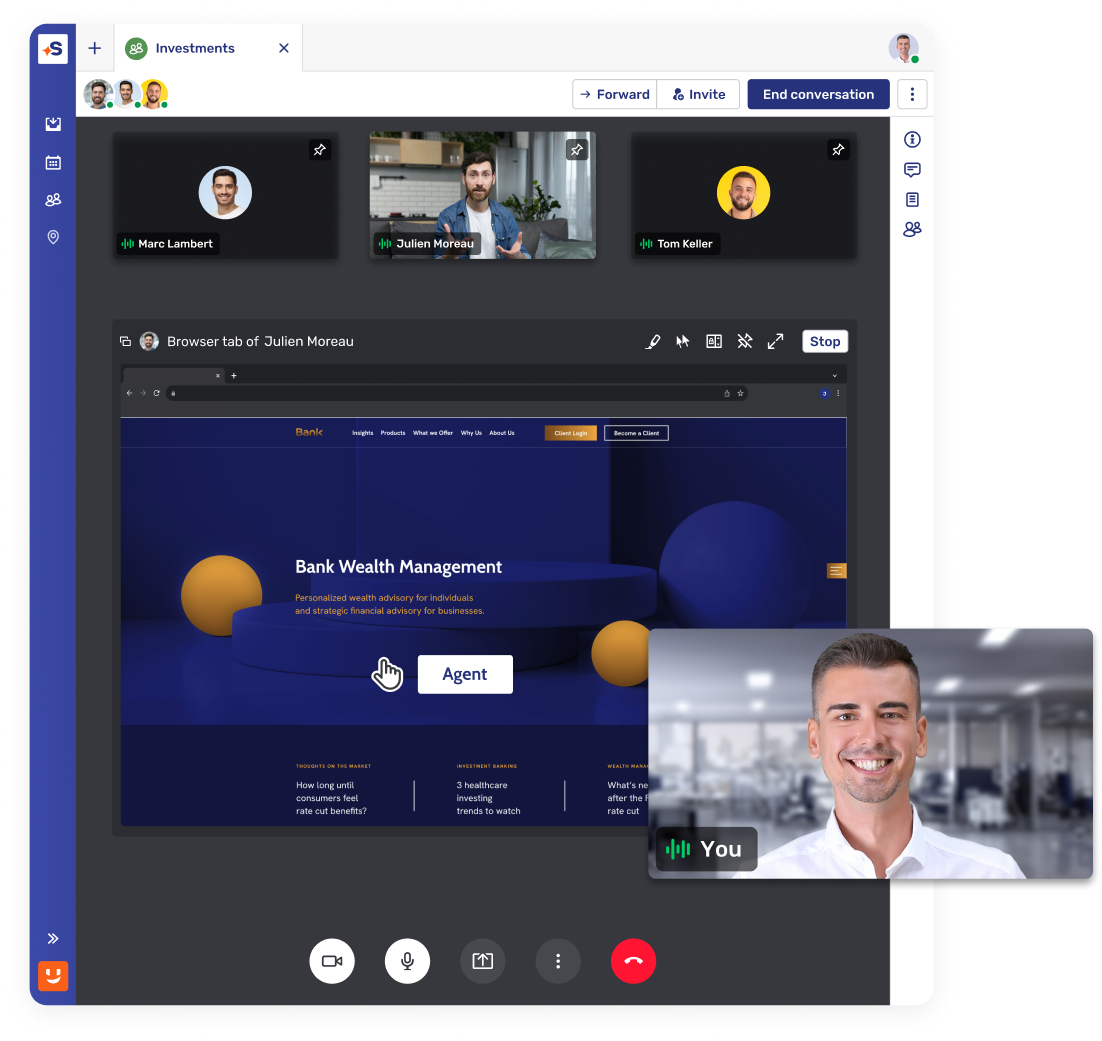
Brand-aligned call interfaces
Maintain total brand consistency by hosting video sessions within your own app or portal, ensuring a familiar and secure customer experience.
Professional interaction tools
Ensure privacy and clarity with modern features like background blurring and virtual backgrounds, designed for high-stakes advisory meetings.
Integrated collaboration
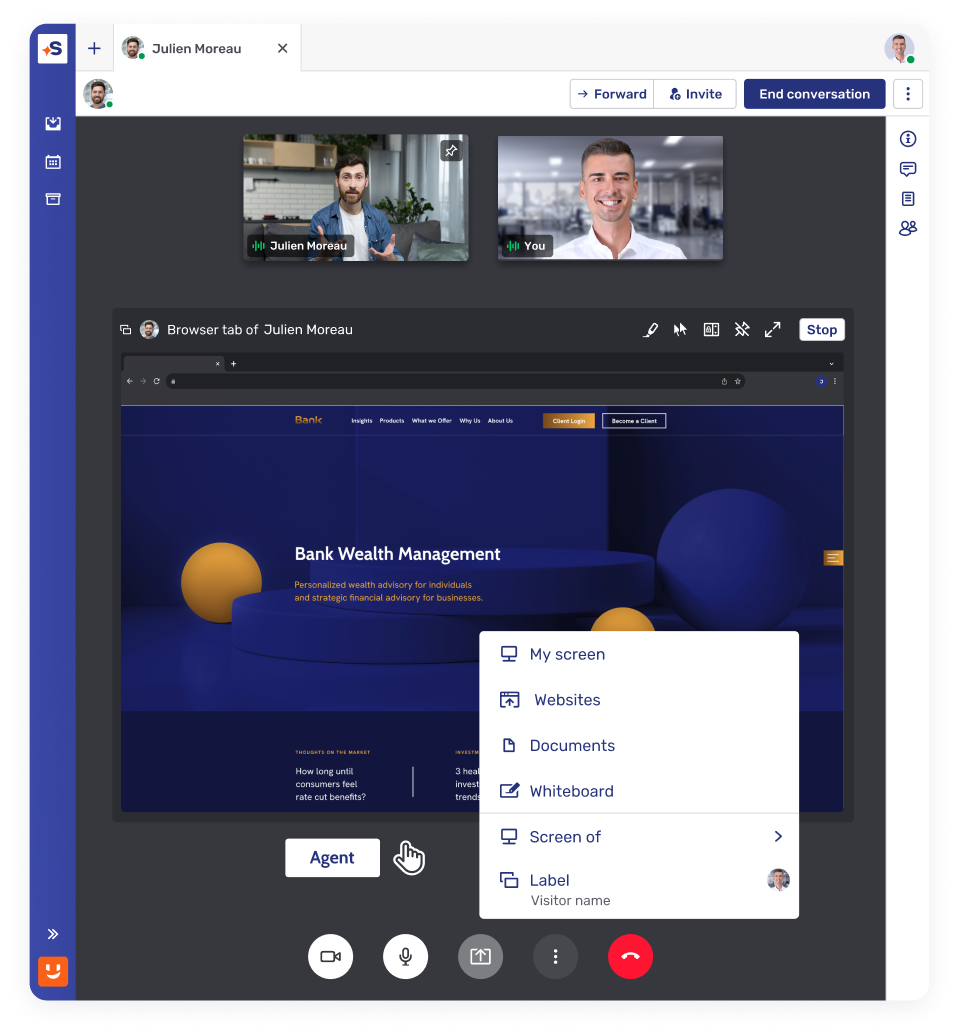
Elevate simple video calls by adding real-time Co-Browsing and Document Sharing, allowing advisors to solve complex problems side-by-side.
Security and compliance at the core
Ensure security settings, privacy, and regulatory standards for compliance with every interaction.
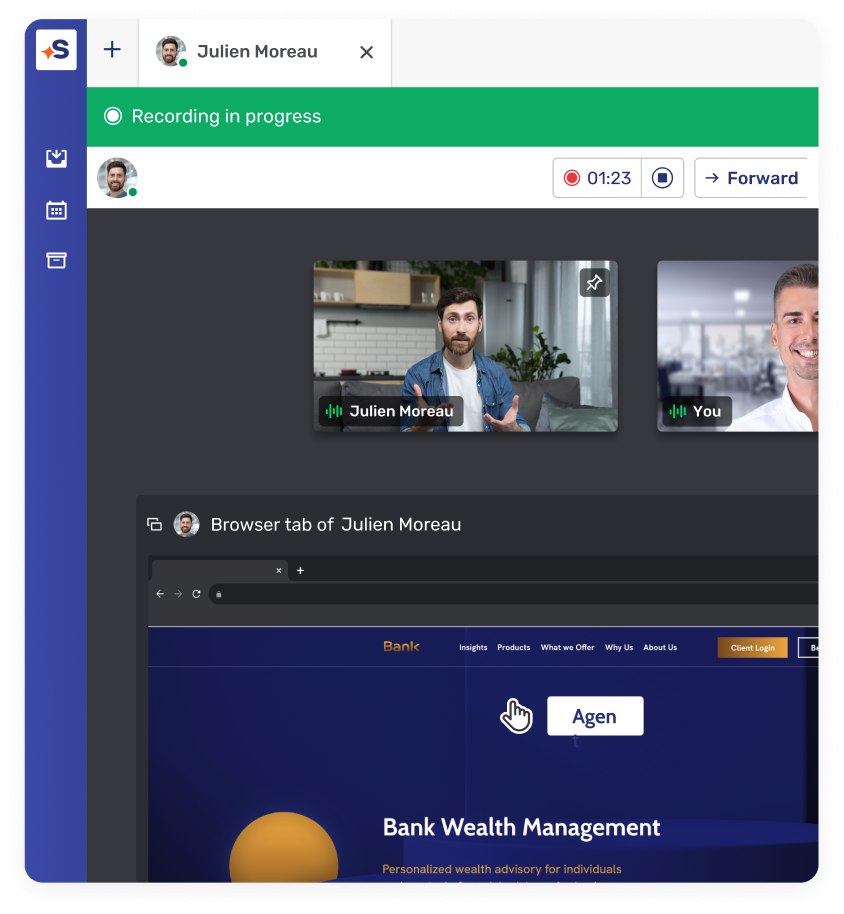
Customizable recording options
Manually start meeting recordings or set them to begin automatically. Securely store all interactions – text, voice, and collaboration – to meet regulations like GDPR and MiFID II.
Post-call transcripts
Full call transcripts are available during and after conversations, ensuring accurate records for compliance while following security measures.
Native solution or ACS
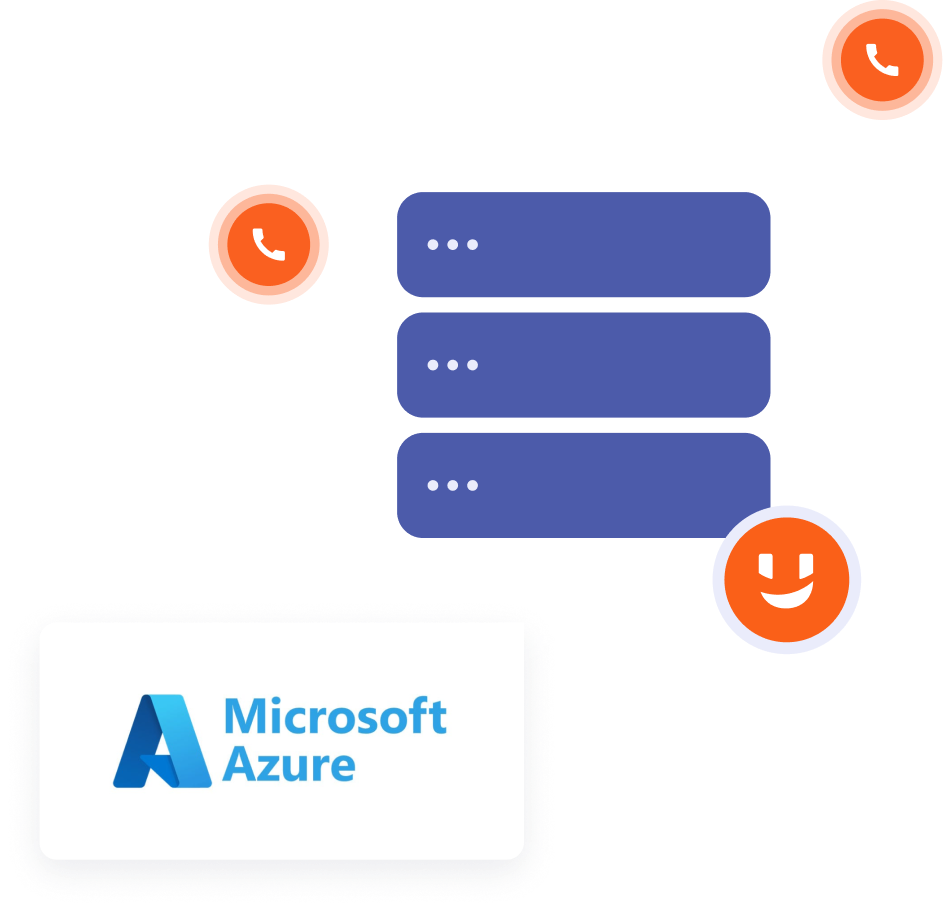
Fully native, without reliance on external or cross-border components. Alternatively, ACS can be used independently from MS Teams or alongside it.
Customer identification
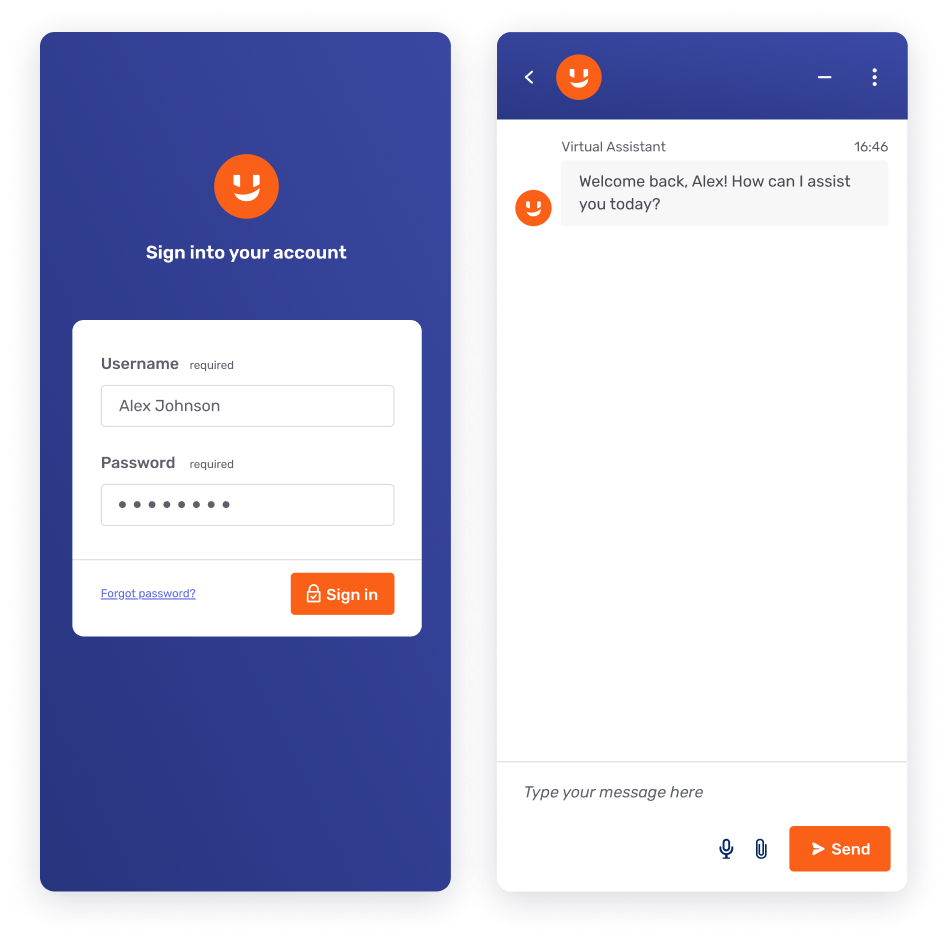
Verify clients using e-banking or wealth portal authentication, with instant confirmation on the Agent Desk for robust access control.
How is Unblu different
Feature/criteria
Unblu Video & Voice
Generic video conferencing (Zoom, Teams)
Where calls run
Inside your own website, app, and client portal, fully branded
An external app the client opens or installs
Client downloads
None; clients join in-channel
App or plug-in often required
Identity verification
Client verified through e-banking or wealth portal authentication
No banking-grade identity check
Compliance recording
Recording, transcripts, and retention for MiFID II and GDPR
Consumer-grade, limited financial-compliance controls
Data residency
Native, Unblu Financial Cloud, Swiss sovereign cloud, or on-premise
Vendor cloud
Limited residency control
Banking integrations
CRM, core banking, scheduling, and SIP Gateway
General-purpose, not banking-specific
Unblu Secure Messenger
Data compliance (GDPR, FINRA, MiFID II, HIPAA, etc.)
Fully compliant with financial regulations; audit-ready
Data ownership & hosting
Hosted in secure, enterprise-grade environments; banks keep data ownership
Archiving& audit grails
Full message archiving, audit logs
Encryption
End-to-end encryption + enterprise key management
Integration with enterprise systems (CRM, core banking, contact center)
Native integration with banking workflows
Integration with popular messaging apps
Allows for the use of popular apps (i.e. WhatsApp, Signal, etc.) with full Secure Messenger benefits
User authentication
Secure SSO from banking portal/online banking
White-label & Branding
Fully customizable, white-label for financial institutions
Support for regulated Industries
Built for banking, insurance
Message retention policies
Configurable by enterprise for compliance
Customer engagement features
Co-Apping/Co-Browsing/ Document Collaboration, secure file sharing, escalation to Video & Voice
Availability across devices
Built for desktop and mobile collaboration
Generic messaging apps (WhatsApp, Signal, Facebook Messenger, etc.)
Data compliance (GDPR, FINRA, MiFID II, HIPAA, etc.)
Not designed for enterprise compliance; limited logging or auditing
Data ownership & hosting
Data controlled by third-party providers; limited control
Archiving& audit grails
No native archiving; third-party tools required
Encryption
End-to-end encryption (Signal/WhatsApp);
not enterprise-controlled
Integration with enterprise systems (CRM, core banking, contact center)
No native integration; APIs limited or unavailable
Integration with popular messaging apps
N/A
User authentication
Relies on phone numbers or social accounts
White-label & Branding
No customization beyond profile picture + basic information
Support for regulated Industries
Not certified for regulated industries
Message retention policies
Limited or no retention controls
Customer engagement features
Basic file sharing, no Co-Apping/ Document Collaboration or advanced engagement
Availability across devices
Not built for collaboration purposes
Frequently asked questions
How does video banking software compare to traditional online banking?

Traditional online banking is self-service: clients log in to check balances or move money on their own. Video banking software adds a live, human layer on top of those same digital channels, so when a client needs advice or hits friction, they can reach an advisor by video without leaving the app. It turns online banking from a purely transactional tool into a relationship channel for onboarding, lending, and wealth conversations.
How does video banking software ensure security and privacy?
Purpose-built video banking software protects customer data with encryption in transit and at rest, strong client authentication, and detailed audit logs. Unblu Video & Voice verifies clients through their existing e-banking or wealth portal login, records and retains interactions to support GDPR and MiFID II obligations, and can run fully native or in a Swiss sovereign cloud or on-premise deployment. Keeping conversations inside the bank's own channels also reduces exposure to phishing and unsecured consumer messaging apps.
How does video banking enhance client accessibility?
Unblu Video & Voice supports live captioning, real-time translation, and picture-in-picture video so every client can follow the conversation. Clients with hearing impairments or limited proficiency in the advisor's language can read along in their preferred language, while advisors offer multilingual service without external tools, all inside the bank's secure environment.
How can video banking software improve customer experience in banking?
Video restores the human connection that chat and email lack, so clients feel understood on complex or high-value topics. A strong video banking solution keeps the whole conversation in one place: advisors can share a screen, co-browse a form, or send a document without breaking the call. Qatar Islamic Bank uses this approach to support clients in real time during its instant finance process, all from a single mobile app.
Why is video banking software becoming important in modern banking?
As branch visits decline and clients expect the same convenience from banks that they get from digital-first brands, video banking has become central to any virtual banking strategy. It lets banks, credit unions, and wealth managers deliver personal, face-to-face advice remotely, which improves customer satisfaction, deepens customer relationships, and lowers the operational cost of serving each client. It also supports revenue journeys such as customer onboarding and consumer lending that once required a branch visit.
What are the main features of video banking software?
Core features include branded in-channel video and voice calls, instant chat-to-call escalation, screen sharing, Co-Browsing and Document Sharing for real-time collaboration, call recording with speech-to-text transcripts, live translation across more than 30 languages, picture-in-picture video, appointment scheduling, and client identity verification. Unblu adds AI-generated meeting notes and agendas, background blurring, and integrations with CRM, core banking, and calendar tools.
What is video banking software and how does it work?
Video banking software, also called a video banking solution, lets financial institutions hold secure video and voice calls with clients inside their own digital channels rather than over a consumer video conferencing app. Clients start a call from the bank's website, mobile app, or client portal, or an advisor escalates a chat to video with a single click. With Unblu Video & Voice, the call runs natively in the bank's branded environment with no downloads, and advisors can share screens, co-browse, and record the session while integrations handle appointment scheduling.
