




Co-browsing
See what your customers see, in real time
Resolve complex issues faster and improve productivity with Co-Browsing, allowing teams to see what customers see and provide immediate guidance.
.png)
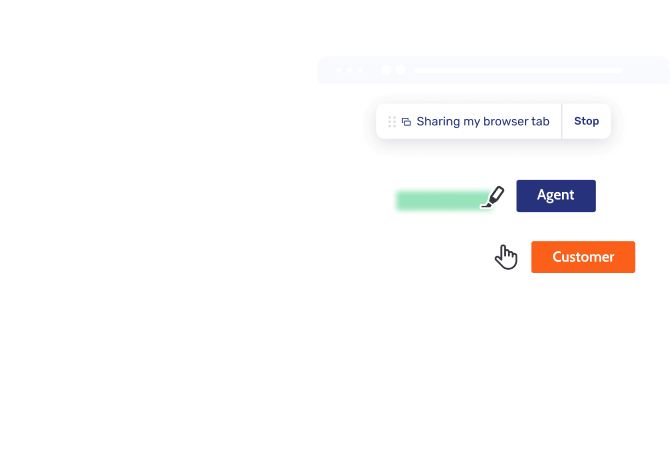
Cross-channel Co-Browsing
Eliminate friction by adding Co-Browsing to phone, chat, or Video & Voice calls, resolving queries faster without losing session context
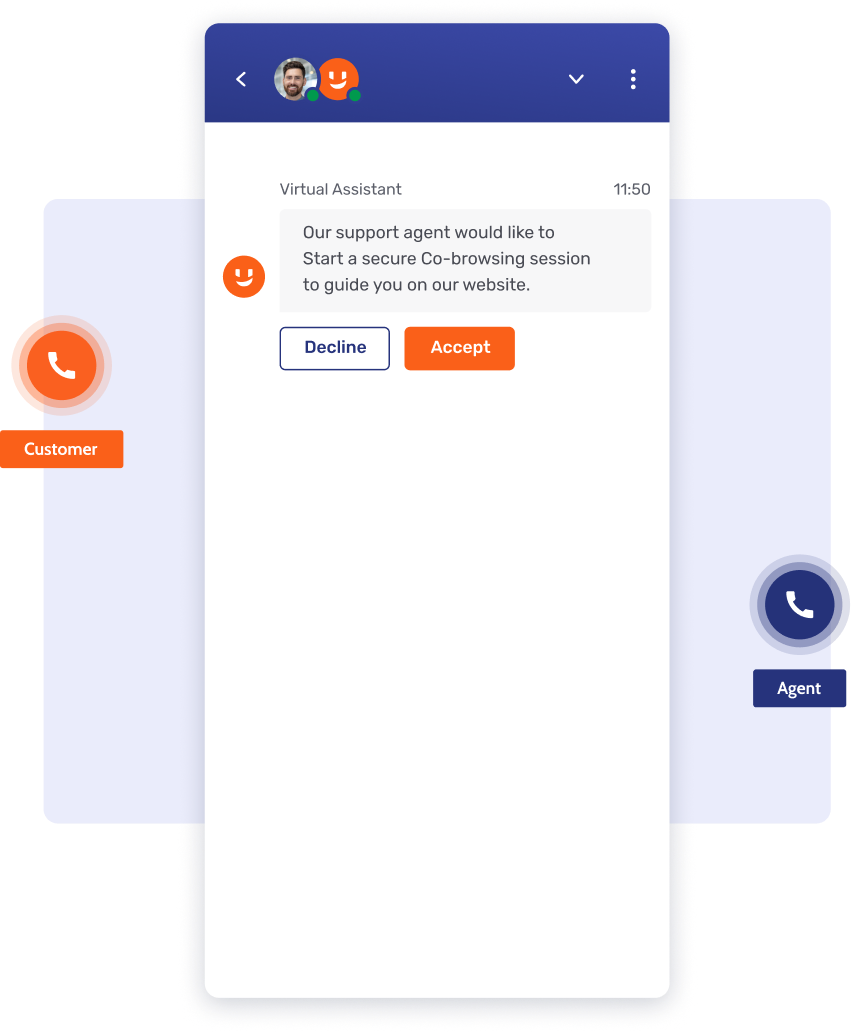
Visualize phone calls
Eliminate troubleshooting blindness by adding secure Co-Browsing to calls via PINs or invites, speeding up resolution and preventing fraud.
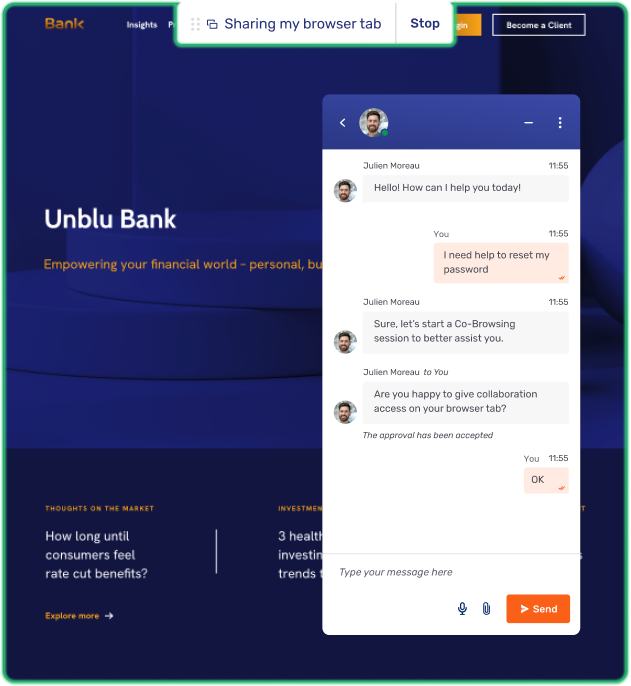
Speed up chat resolution
Resolve issues faster and eliminate friction by adding Co-Browsing to Live Chat, enabling agents to guide customers visually through complex steps.
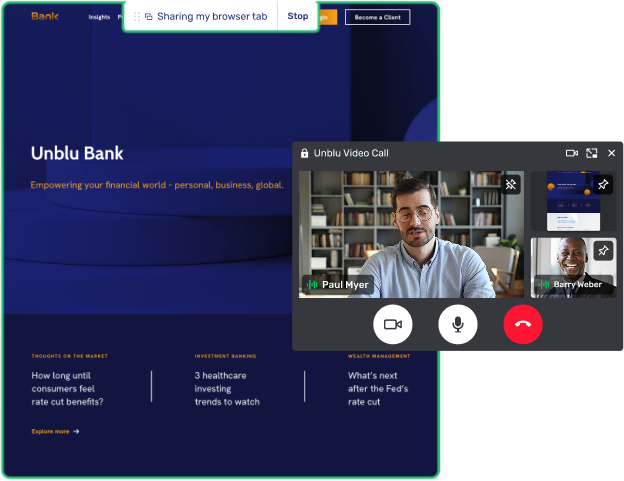
Level-up live meetings
Resolve complex issues faster and build trust by adding Co-Browsing to Video & Voice, offering high-touch visual guidance during live meetings.
Effortless for both customers and agents
Reduce cost-to-serve and boost digital adoption with secure Co-Browsing that removes friction to resolve complex queries faster

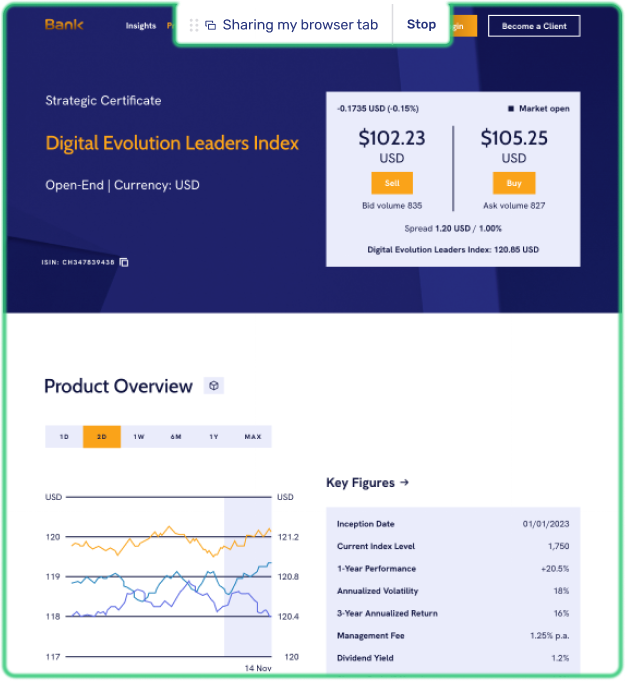
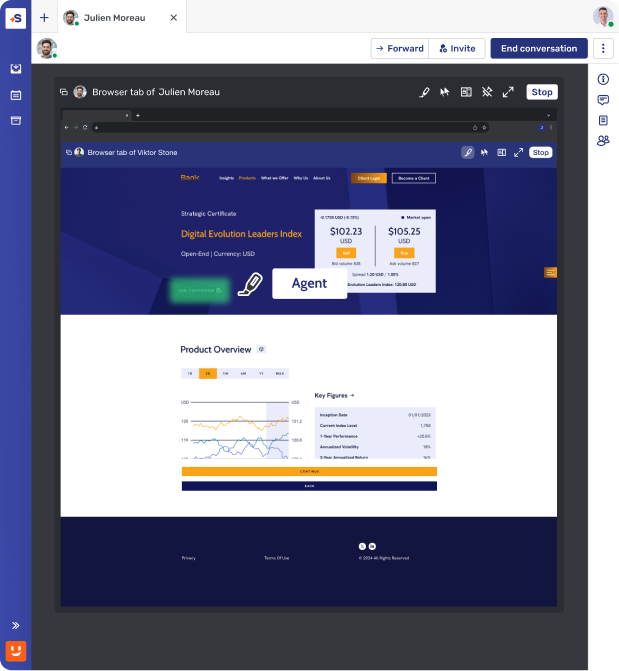
Secure instant access
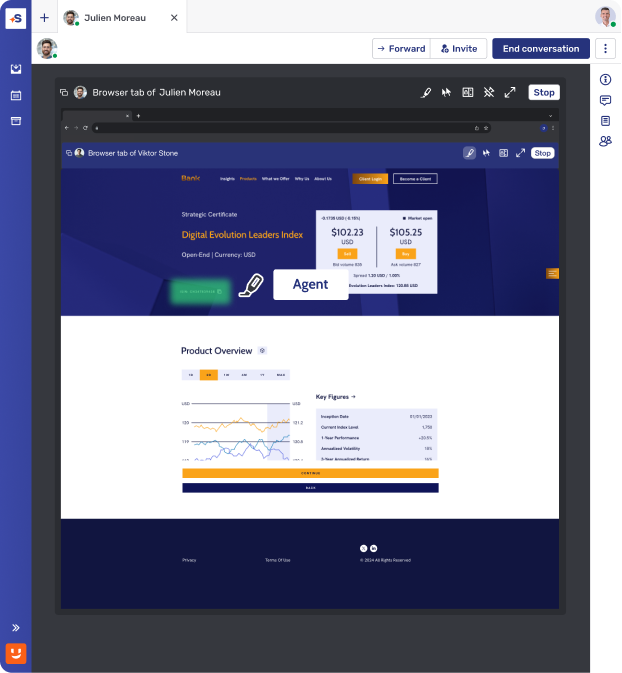
Eliminate security risk and build trust with instant Co-Browsing that requires no downloads or external software for agents or customers.
Simplified agent tools
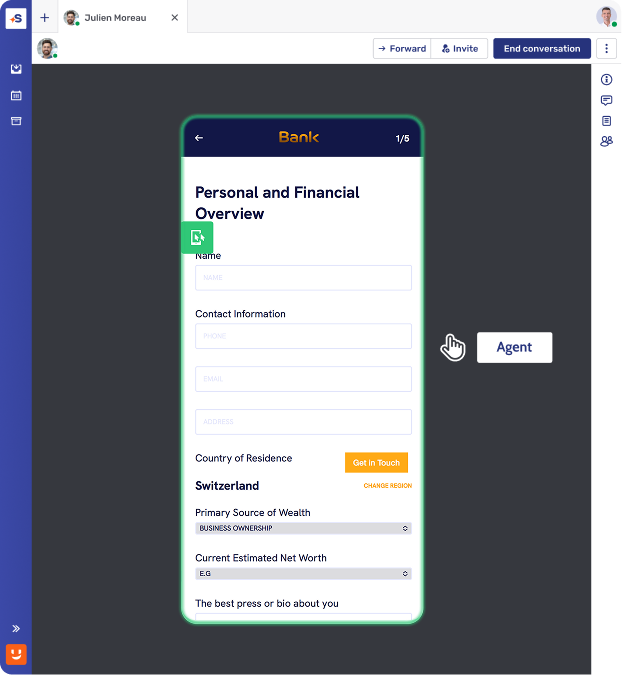
Improve efficiency and reduce effort with easy-to-use Co-Browsing tools that allow teams to highlight page areas or navigate with customer consent.
Transparent customer experience
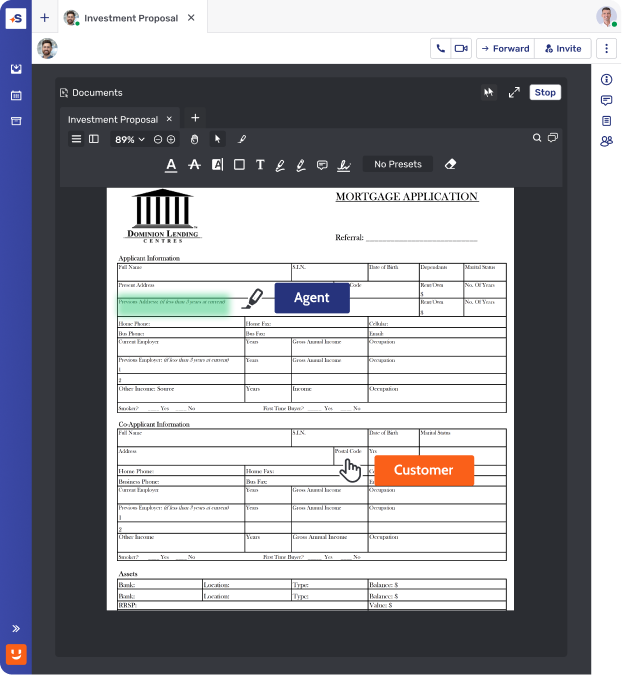
Customers always see exactly what is being browsed together, ensuring full transparency and control for more satisfied customers.
Expertise in the moments that matter
Resolve complex queries and build loyalty by using Co-Browsing to deliver immediate, visual guidance at the most critical points of the journey.
Master the onboarding journey
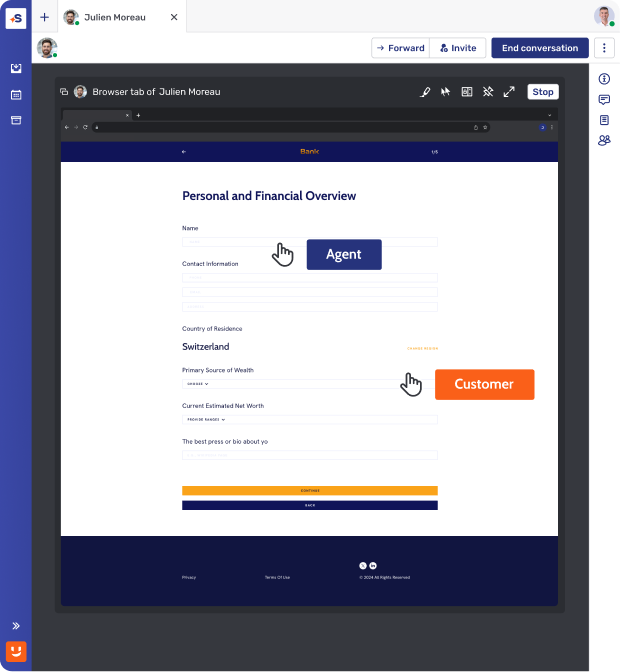
Eliminate abandonment during complex account setups with Co-Browsing, converting new users into loyal, long-term customers from day one.
Streamline portal support
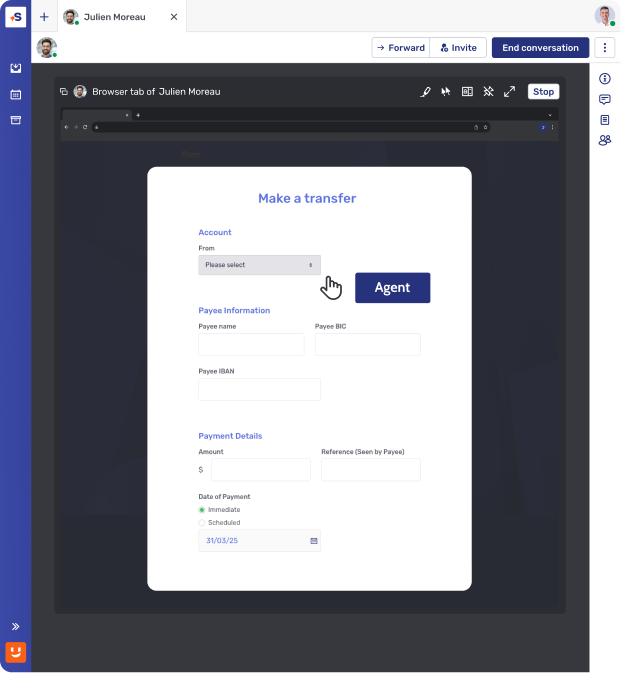
Improve support efficiency and client autonomy by using Co-Browsing to guide users through e-banking portals and transactions, reducing friction and future inquiries.
Deliver premium digital advisory
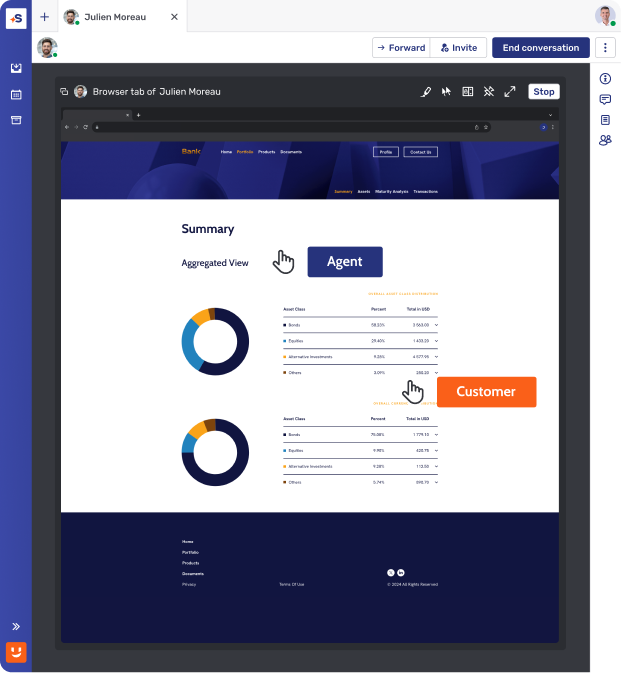
Build deep trust at key moments in the customer journey by using Co-Browsing to walk clients through complex portfolio reviews and financial planning.
4x digital sales conversion rate after 9 months
“We need to be where the customer wants to interact and provide a variety of options based on preference. This is what Unblu helps us to do.”


Security and compliance at the core
Ensure data privacy and regulatory compliance with built-in protections and audit logs.
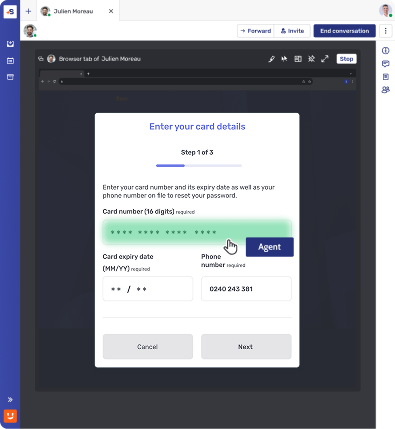
Field masking and function blocking
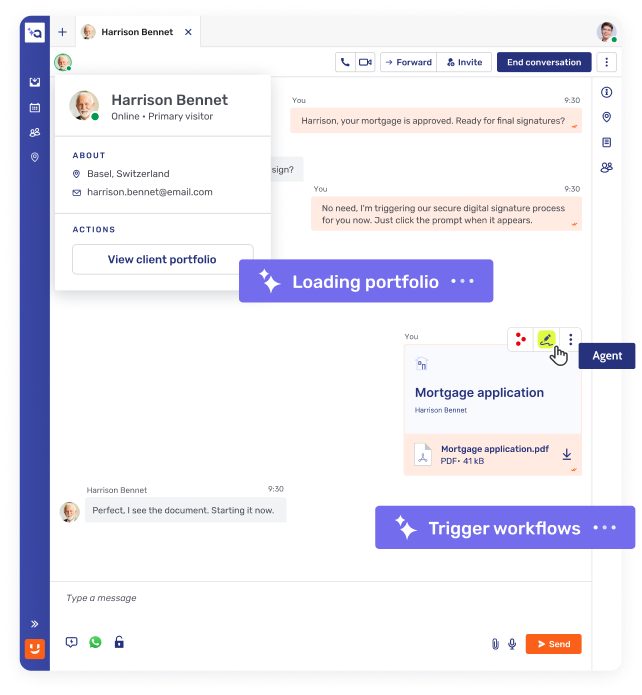
Hide sensitive fields (e.g. passwords, personal data) from customer service agents to protect customer information.
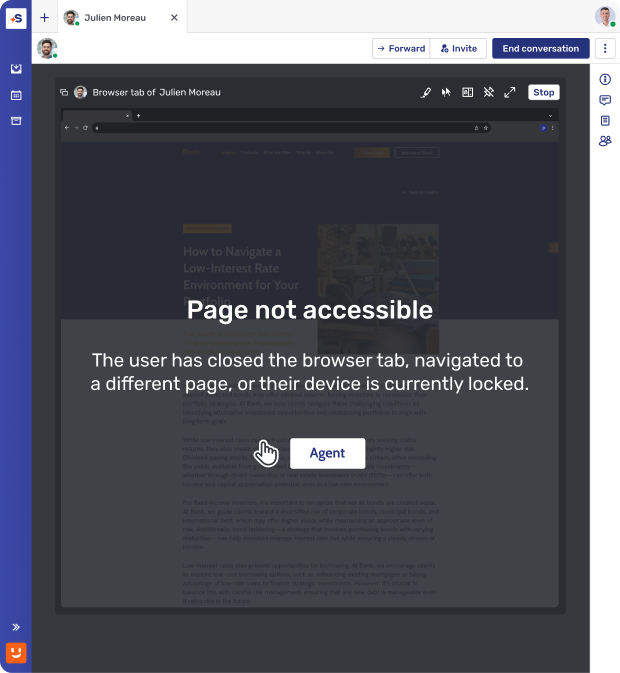
Page-level access control
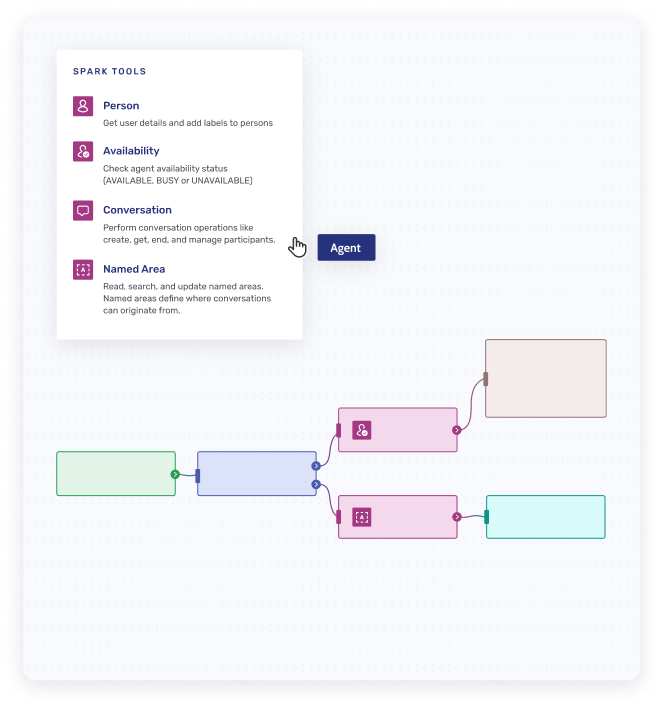
Only pre-approved web pages can be browsed together, preventing accidental exposure of unrelated content and protecting customer privacy.
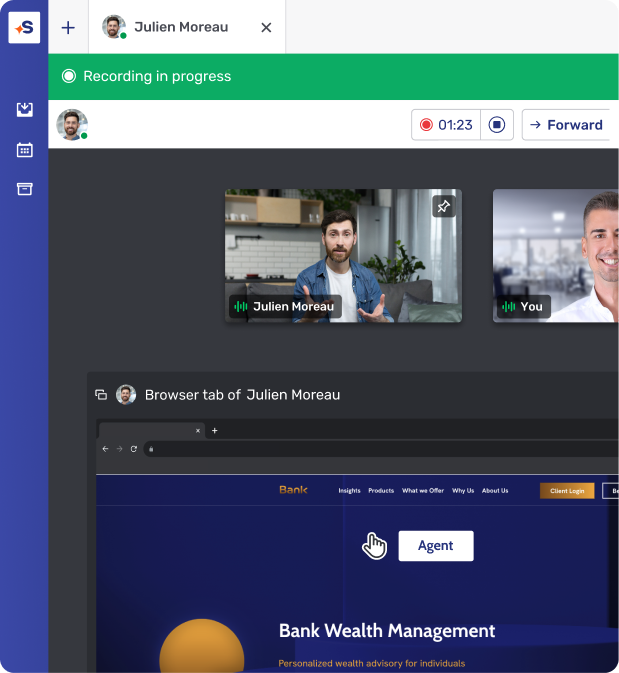
Session recording & storage
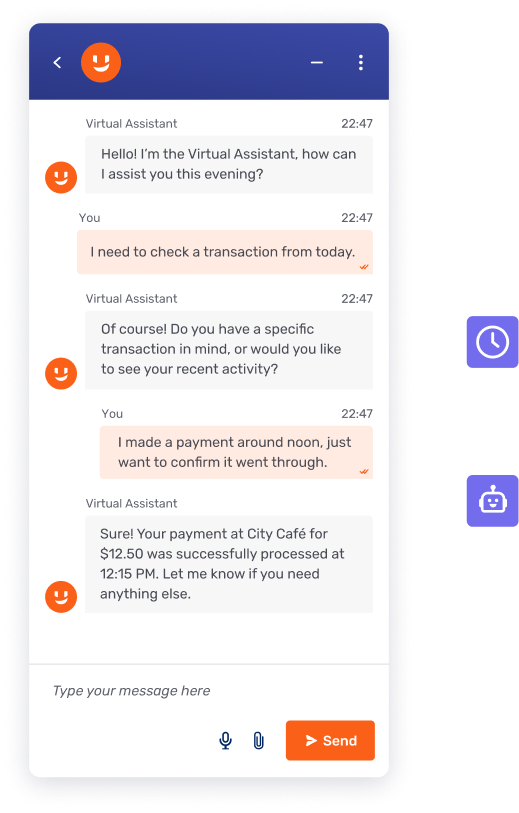
All Co-Browsing sessions can be recorded and securely stored for compliance, audit, or training purposes.
How it works
Fast, secure, and easy to implement.


Real-time DOM capturing
Embedded Co-Browsing relies on DOM (Document Object Model) for capturing and recreating the customer’s browser on the agent’s computer or device. DOM capturing runs in the customer’s browser and transfers a “clone” of the visual state of the browser to the agent.
Simple implementation
Enable Co-Browsing by adding a lightweight JavaScript snippet to the <head> section of your website’s HTML.
Topic
Co-Browsing
Browser-Based sreensharing
Application-Based Screensharing (Zoom, Teams)
Installation requirements
No installation
Browser-native functionality
Needs system permission change and browser restart
Needs pre-installed app or plugin
Requires permissions + application restart
Scope of visibility
Only specific web session or element visible to advisor
Sharing scope pre-set by app (e.g., browser tabs only)
User can only approve or deny
Full application or screen shared
Navigation handling
Seamless across navigation
Advisor remains in session
Navigating to a new page or reloading the current page ends the sharing session
Users must approve screensharing again each time this occurs
User must manually manage what is shared
No automatic privacy safeguards
Browser/device compatibility
Works across all modern browsers and mobile devices.
Works for full screen or window sharing
Sharing is restricted to a single browser tab
Not supported on Safari and Firefox
Broad compatibility on desktops
Limited or clunky on mobile
Remote control permissions
Banks define which on-screen functions (e.g., button clicks) are available to advisors during a session
Does not support remote control
Advisors cannot assist the customer with the navigation
Remote control grants full access
No native function blocking (e.g., field masking, disabling button clicks) supported
Field masking
Specific fields (e.g., passcode, account number) can be masked from advisors.
No masking available – the entire application or desktop is shared.
Session recording
Selective interaction recording
Compliant with financial regulations
Full screen recording increases risk of Client Identifying Data (CID) exposure
Compliance impact
Supports GDPR and PCI-DSS compliance with controlled access
High risk of exposing Client Identifying Data (CID) and sensitive information
Unblu Co-Browsing
Installation requirements
No installation
Browser-native functionality
Scope of visibility
Only specific web session or element visible to advisor
Navigation handling
Seamless across navigation
Advisor remains in session
Browser/device compatibility
Works across all modern browsers and mobile devices.
Remote control permissions
Banks define which on-screen functions (e.g., button clicks) are available to advisors during a session
Field masking
Specific fields (e.g., passcode, account number) can be masked from advisors
Session recording
Selective interaction recording
Compliant with financial regulations
Compliance impact
Supports GDPR and PCI-DSS compliance with controlled access
Browser-Based screensharing
Installation requirements
Needs system permission change and browser restart
Scope of visibility
Sharing scope pre-set by app (e.g., browser tabs only)
User can only approve or deny
Navigation handling
Navigating to a new page or reloading the current page ends the sharing session
Users must approve screensharing again each time this occurs
Browser/device compatibility
Works for full screen or window sharing
Sharing is restricted to a single browser tab
Not supported on Safari and Firefox
Remote control permissions
Does not support remote control
Advisors cannot assist the customer with the navigation
Field masking
No masking available – the entire application or desktop is shared
Session recording
Full screen recording increases risk of Client Identifying Data (CID) exposure
Compliance impact
High risk of exposing Client Identifying Data (CID) and sensitive information
Application-Based Screensharing (Zoom, Teams)
Installation requirements
Needs pre-installed app or plugin
Requires permissions + application restart
Scope of visibility
Full application or screen shared
Navigation handling
User must manually manage what is shared
No automatic privacy safeguards
Browser/device compatibility
Broad compatibility on desktops
Limited or clunky on mobile
Remote control permissions
Remote control grants full access
No native function blocking (e.g., field masking, disabling button clicks) supported
Field masking
No masking available – the entire application or desktop is shared
Session recording
Full screen recording increases risk of Client Identifying Data (CID) exposure
Compliance impact
High risk of exposing Client Identifying Data (CID) and sensitive information
Frequently asked questions
How does Co-Browsing comply with GDPR and other data privacy regulations?

Unblu Co-Browsing supports GDPR and PCI-DSS compliance by sharing only the approved page or field, not the full screen, and by masking sensitive data such as account numbers before an advisor ever sees it. Every session can be selectively recorded and stored for audit, satisfying financial-services record-keeping requirements such as MiFID II, without capturing unrelated screen content the way full-desktop screen sharing does.
How secure is Co-Browsing for sensitive information?
Co-Browsing can be highly secure when it shares only an approved web session rather than the full screen. Unblu Co-Browsing protects sensitive information with field masking, page-level access control, and selective session recording with full audit logs. Data is AES256-encrypted at rest and TLS 1.2 is enforced in transit, and the platform meets ISO 27001:2022 and SOC 2 Type 2 standards, so advisors can collaborate with customers without exposing Client Identifying Data (CID) or full-desktop content the way generic screen-sharing tools do.
How can Co-Browsing improve customer support?
Co-Browsing improves customer support by letting an advisor see and guide a customer through a web page in real time instead of relying on verbal descriptions alone. Clients and advisors can collaborate as though they were in the same room, with full highlighting and annotation, which shortens handle time and improves first-contact resolution on complex requests like account setup or portfolio reviews. Because sessions carry across Live Chat, phone, and Video & Voice, support agents keep visual context through channel switches instead of starting over.
What are the main features of Co-Browsing software?
The main features of Co-Browsing include real-time joint navigation, agent highlighting and annotation tools, and no-download browser access. For customer-facing teams at banks and insurers, the features that matter most are security controls: data masking, page-level access control, and session recording with audit logs. Unblu Co-Browsing adds PIN-based sessions for phone support, works across Live Chat and Video & Voice without losing context, and extends to native mobile apps through Mobile Co-Apping for on-the-go digital channels.
What is the difference between Co-Browsing and screen sharing?
Screen sharing broadcasts a user's whole screen or application and usually needs an installed app and repeated permissions. Co-Browsing shares only a specific web session inside the browser, so the advisor sees just the page being worked on. With Unblu Co-Browsing, banks define which on-screen functions an advisor can use, sensitive fields can be hidden with field masking, and navigating to a new page doesn't end the session, capabilities generic tools like Zoom or Teams don't support natively.
What is Co-Browsing and how does it work?
Co-Browsing, also known as collaborative browsing, is real-time collaboration technology that lets a support agent or advisor and a customer engage in joint navigation of the same web page, directly in the browser. It works by capturing the DOM in the customer's browser and recreating the visual state on the agent's screen, sharing only the agreed browser tab rather than the full desktop, with no downloads or plugins required. Unlike screen sharing, Co-Browsing never exposes the customer's full desktop. Unblu Co-Browsing is purpose-built for banks and financial institutions.
